Tenant App UI
Previous: Shared Mobile Login UI
Next: Technician App UI
This page covers current tenant-side screens for request intake, ticket tracking, messaging, and account management.
1) Core tenant flows
Use these screens to verify end-to-end tenant behavior:
- Access request creation from the home state.
- Track request status and history cards.
- Confirm account and residence updates.
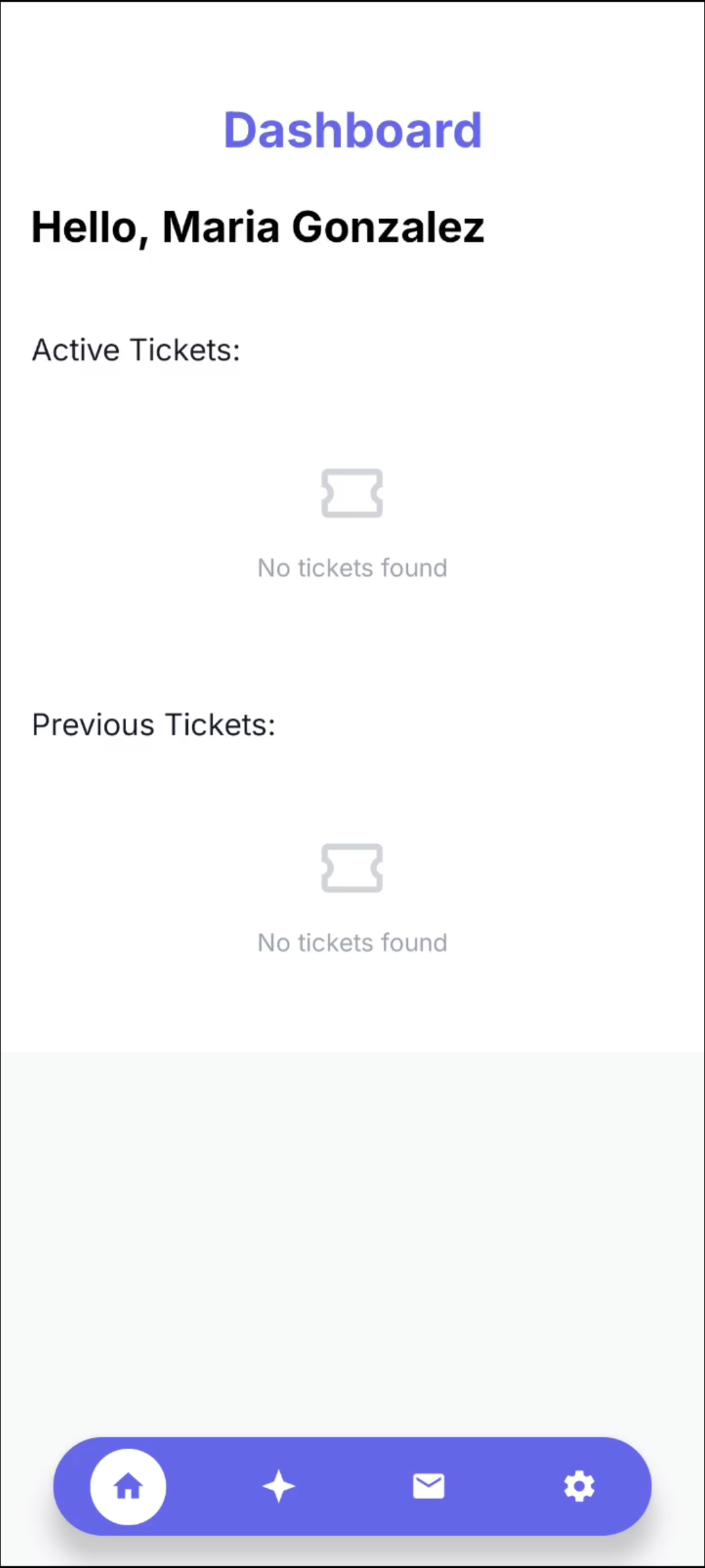 Caption: Tenant home view with active and previous ticket sections.
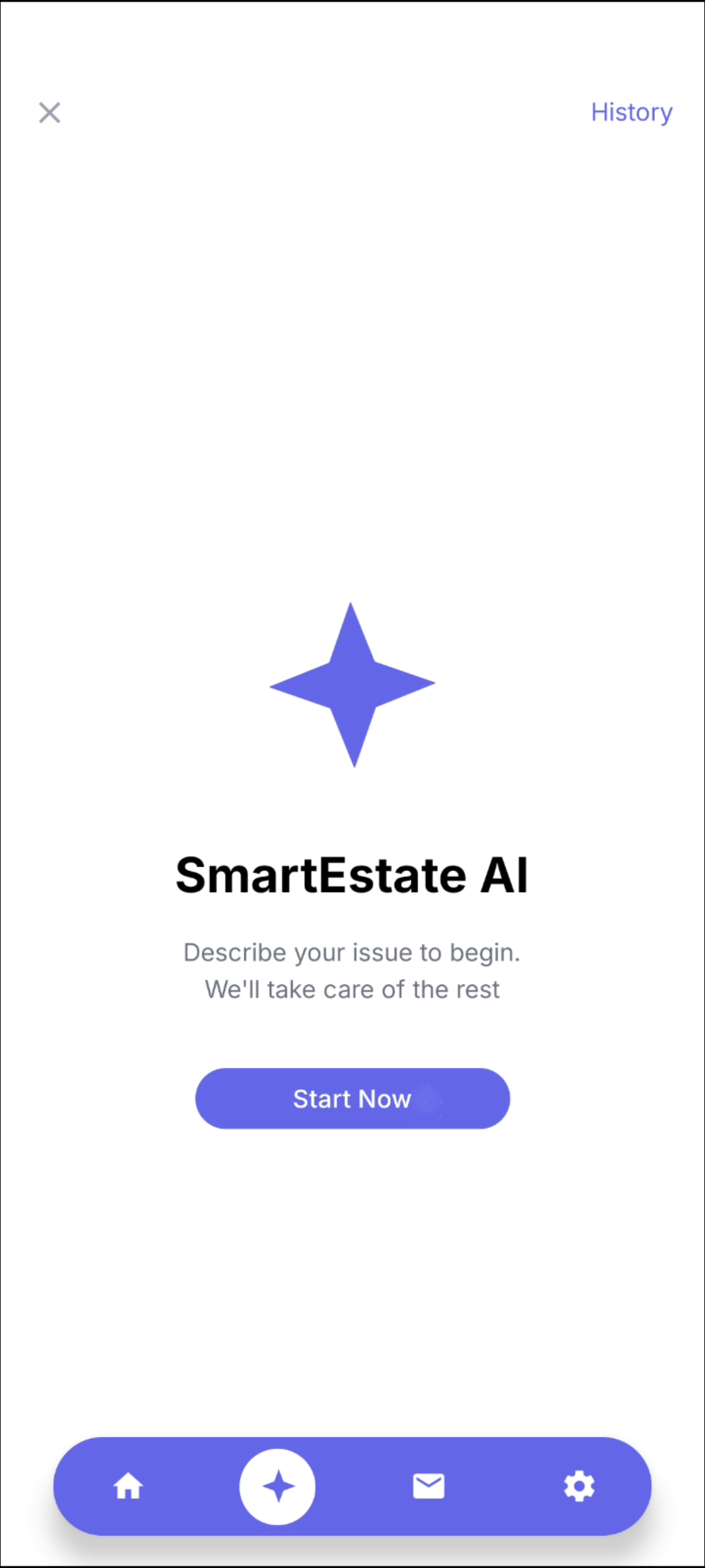 Caption: Smart Estate AI entry point for guided issue intake.
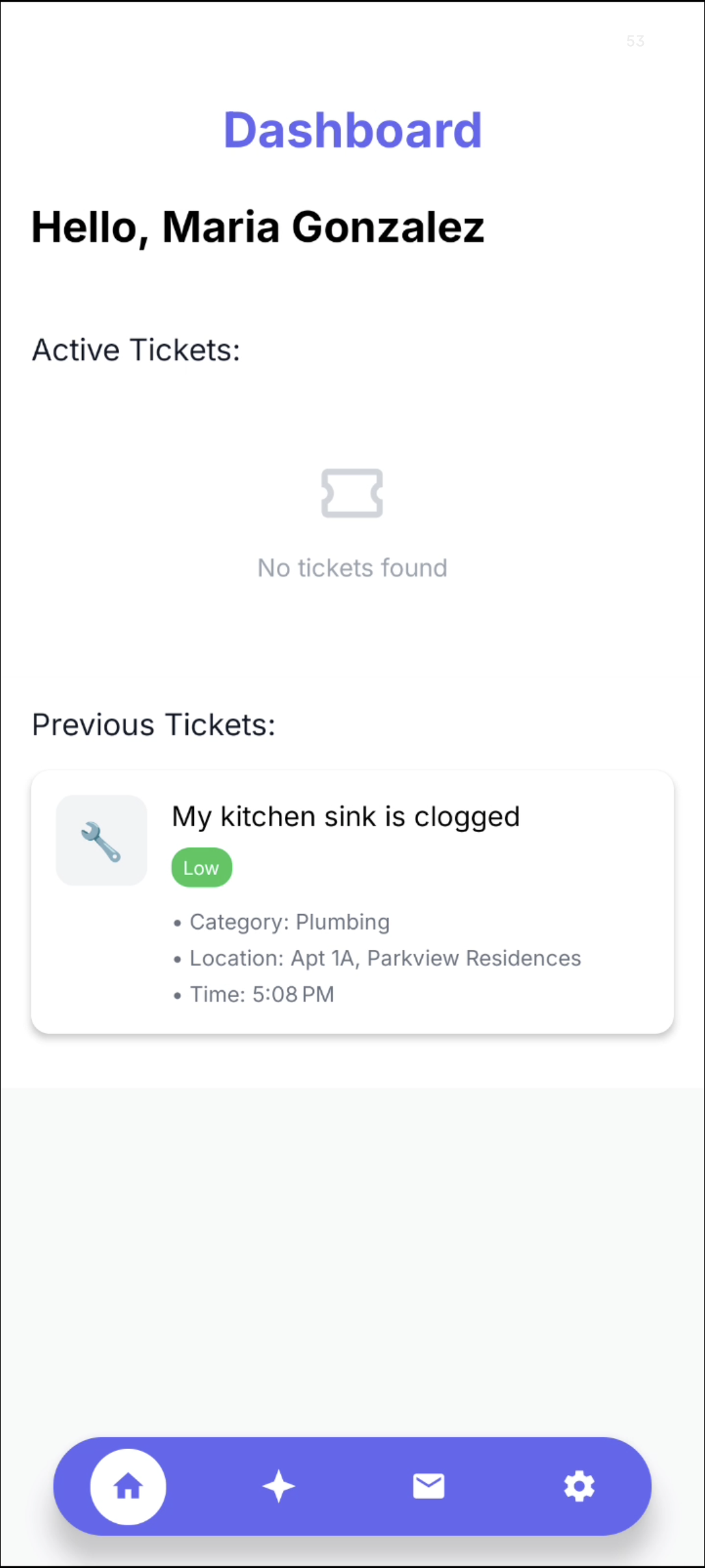 Caption: Ticket history card content and status visibility in tenant dashboard.
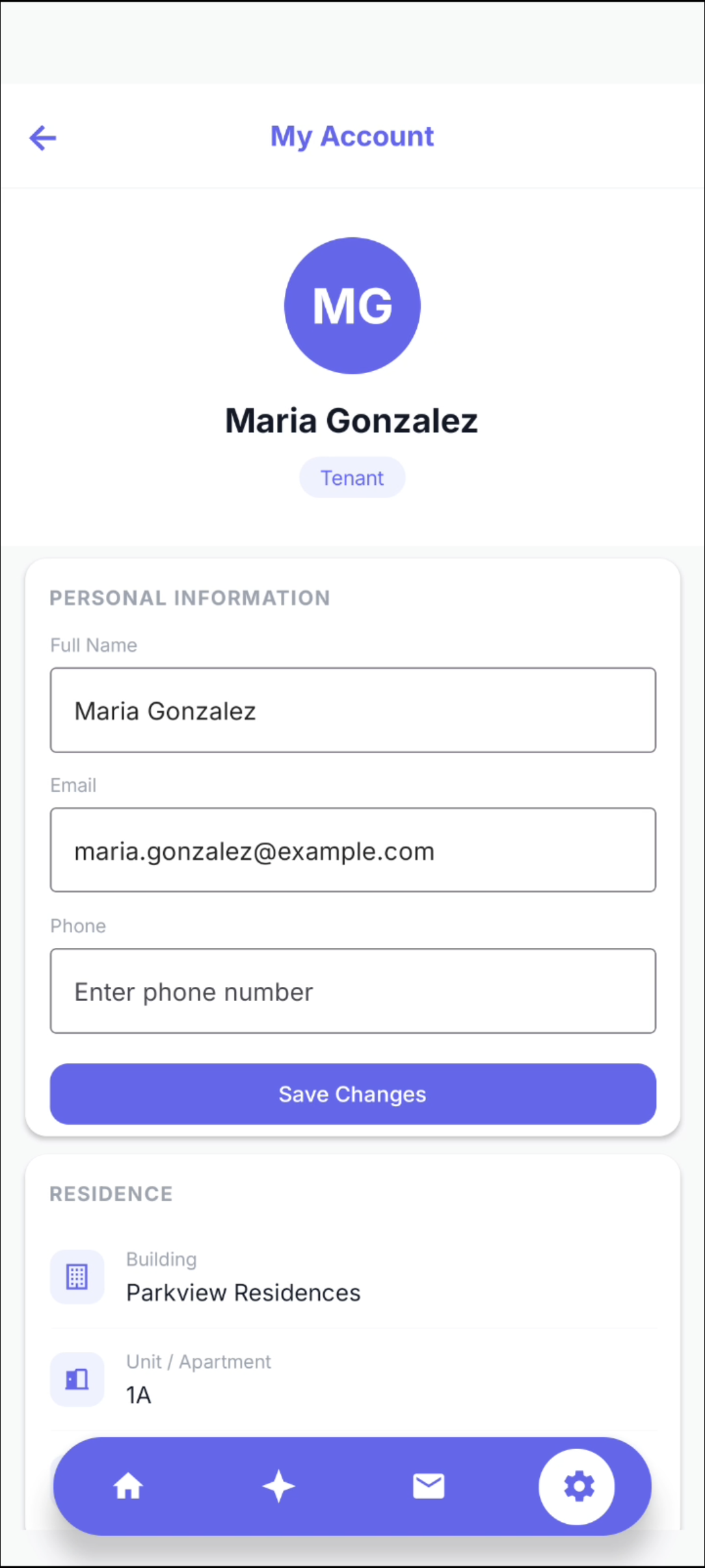 Caption: Account/profile editing screen tied to user and residence data.
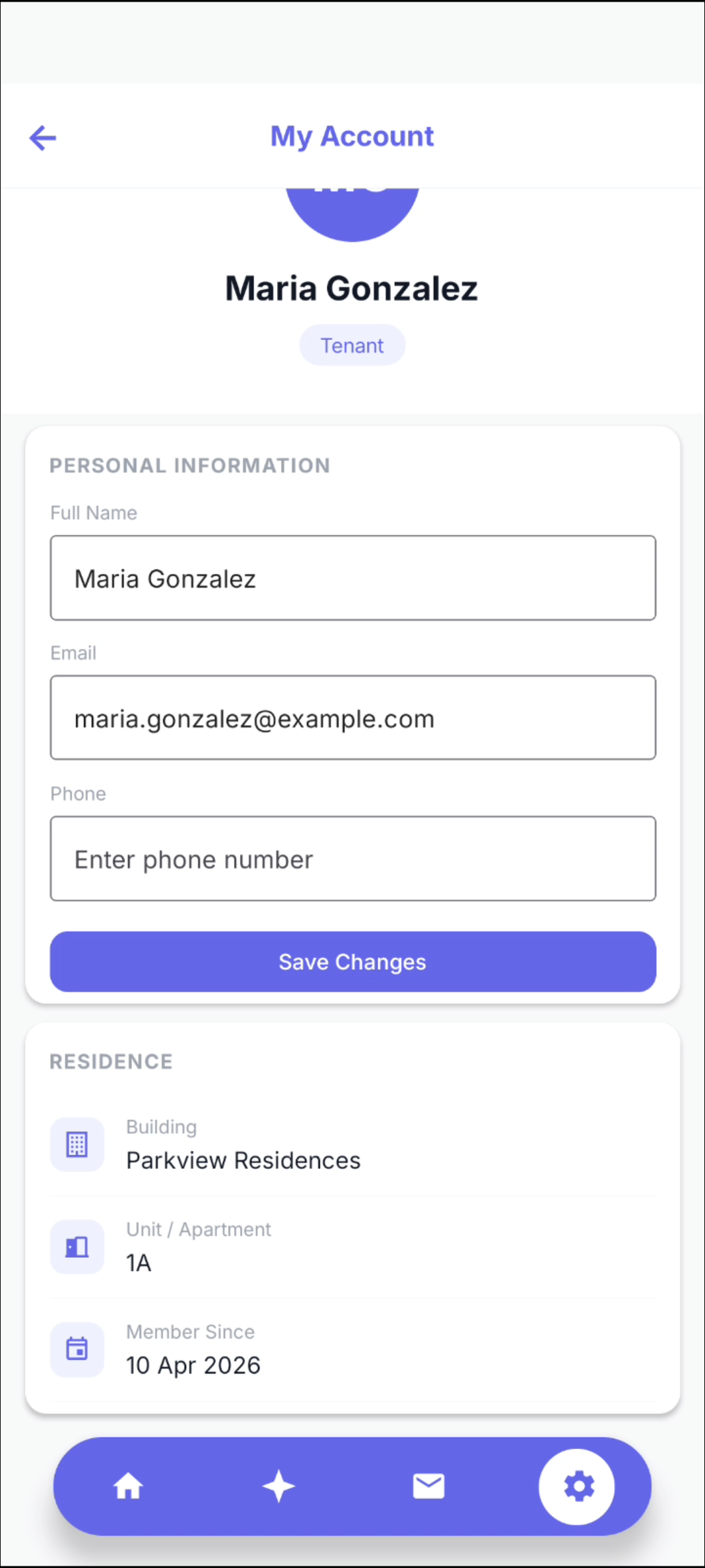 Caption: Editable personal information and residence fields in profile view.
2) Tenant request-flow reference set
These screenshots support deeper walkthroughs of request and profile states.
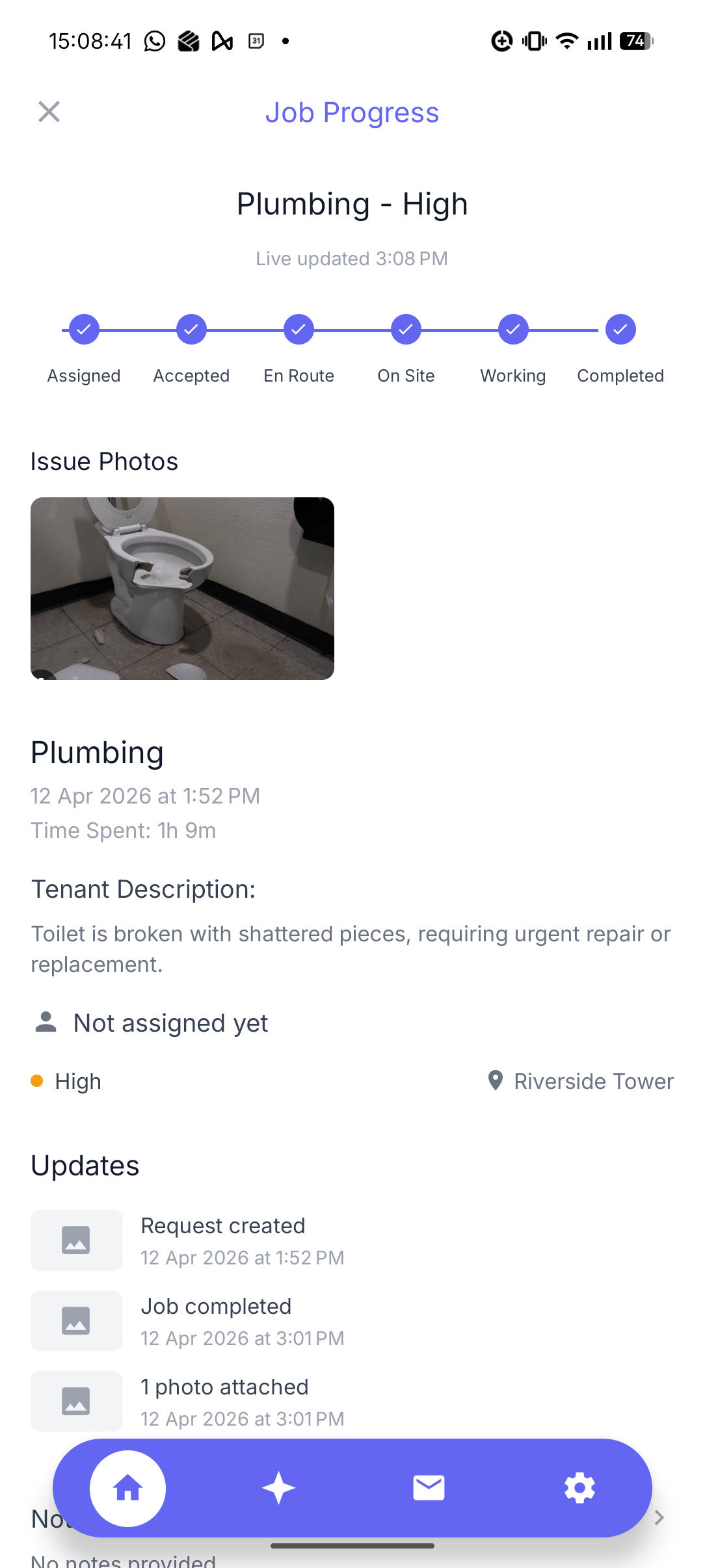 Caption: Home state with primary request access and summary cards.
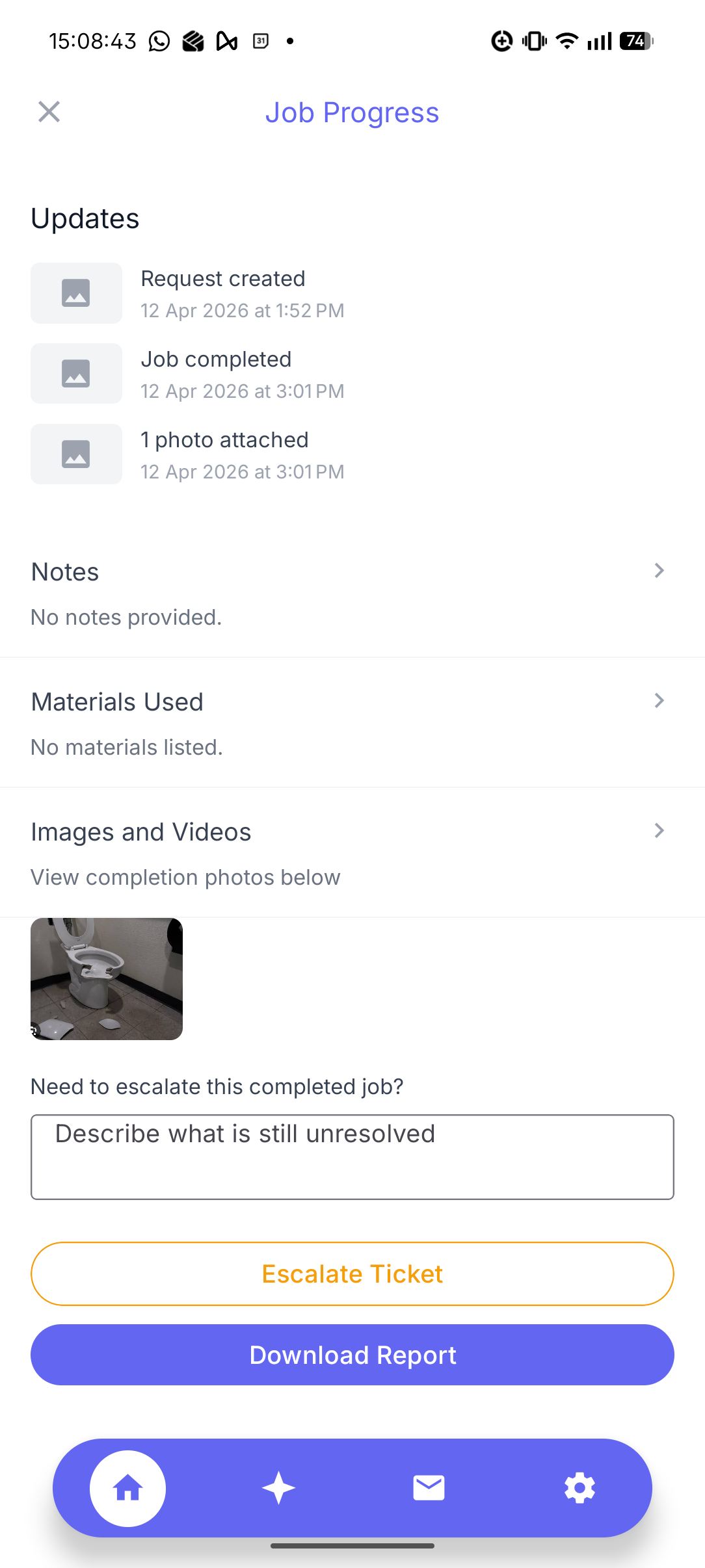 Caption: Request interaction state used during issue intake.
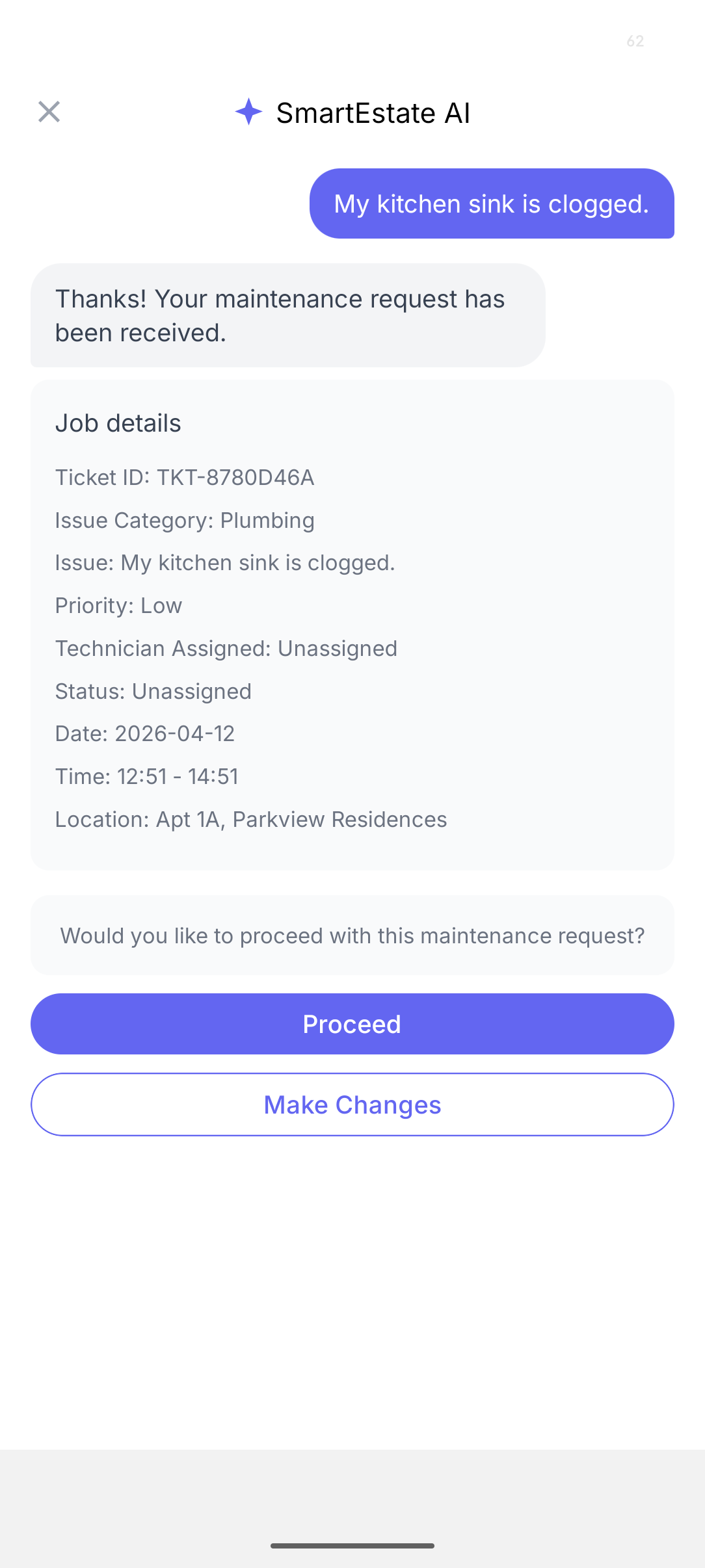 Caption: Post-login state used as a baseline for request and chat access.
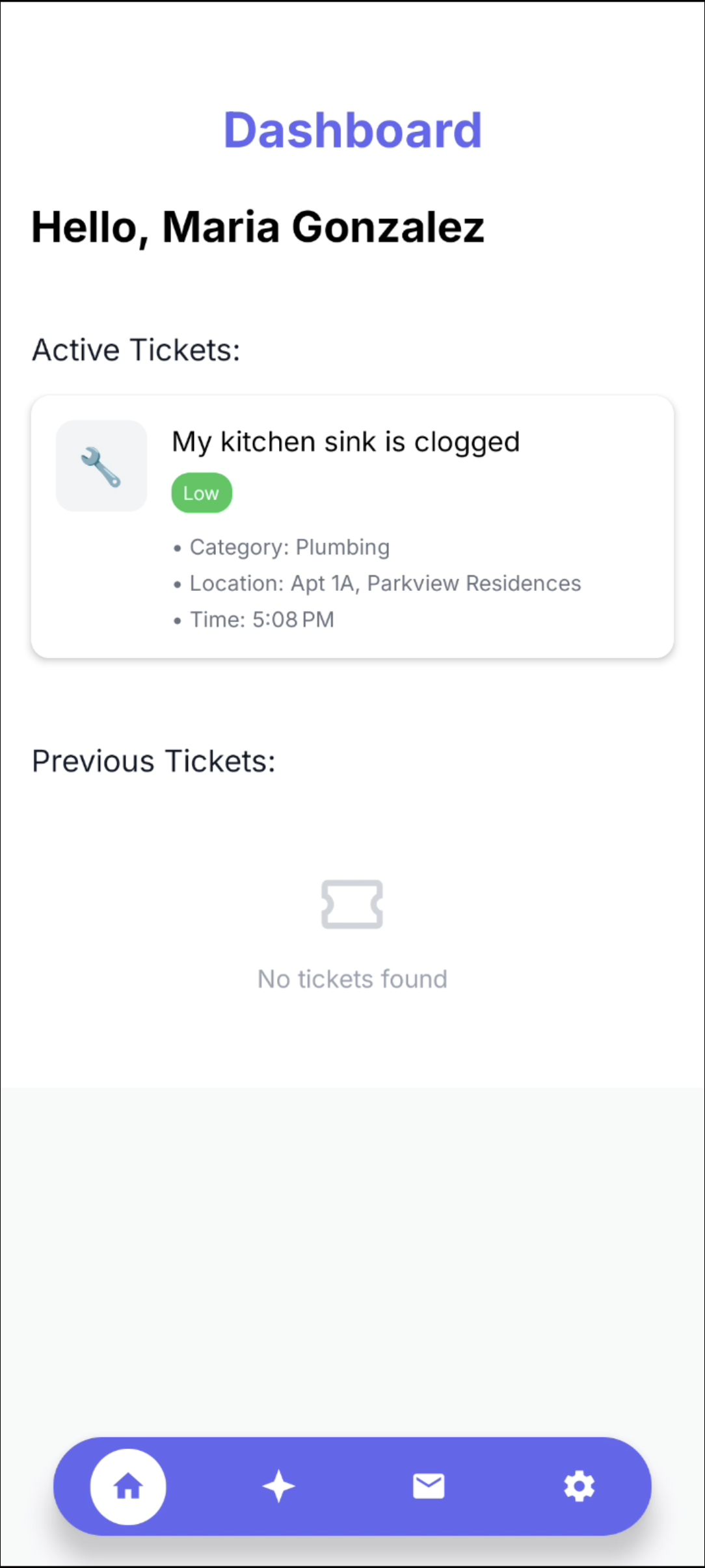 Caption: Request card state showing tracked status information.
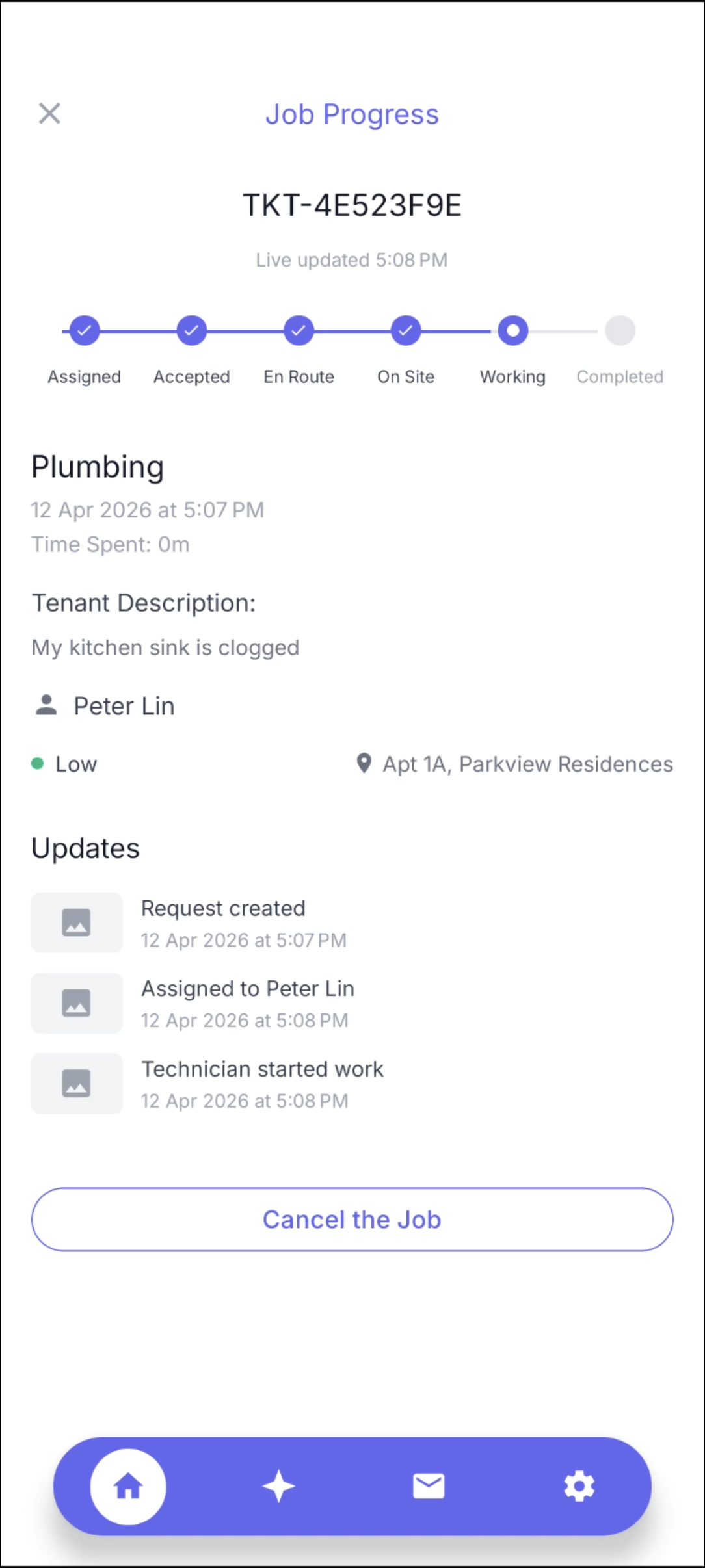 Caption: Follow-up details state for status and context continuity checks.
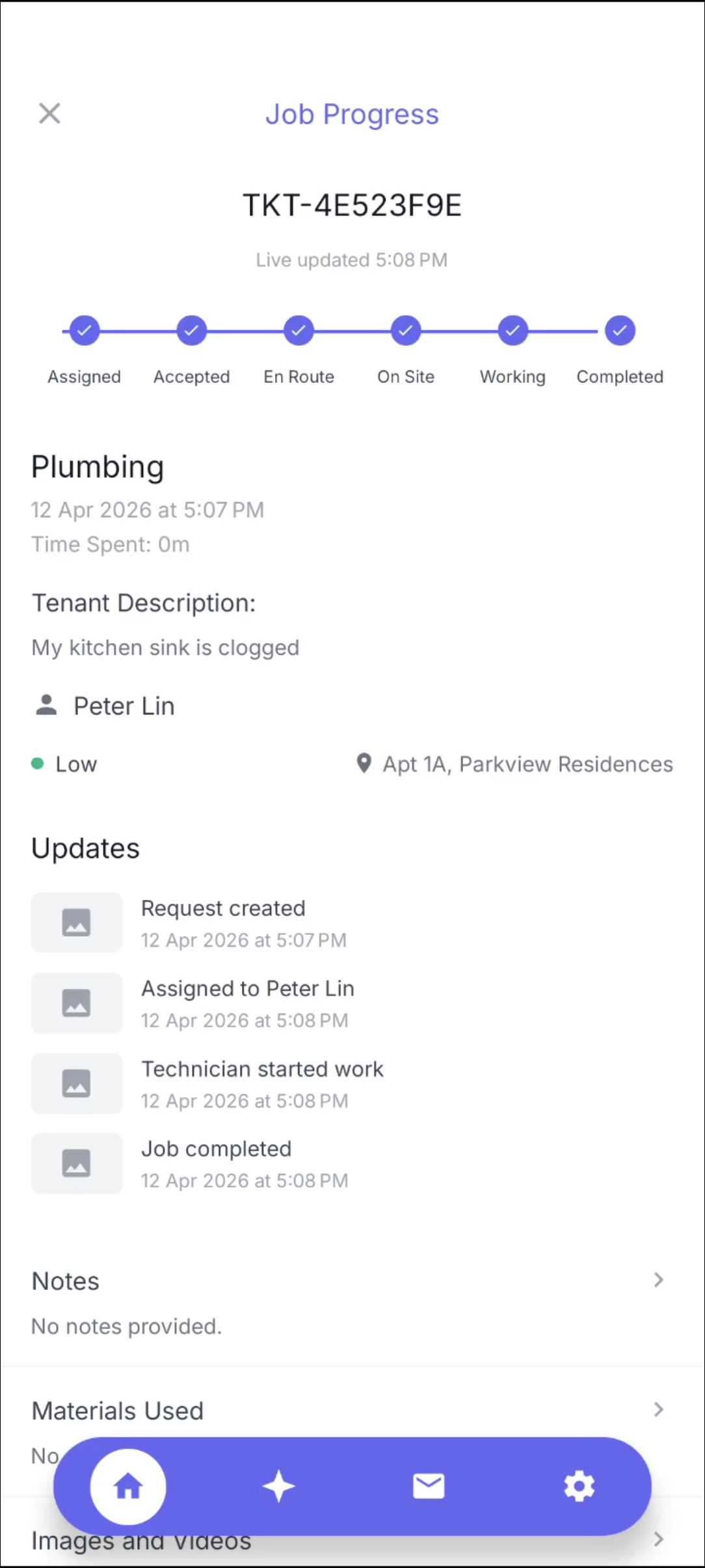 Caption: History-focused screen for prior request visibility checks.
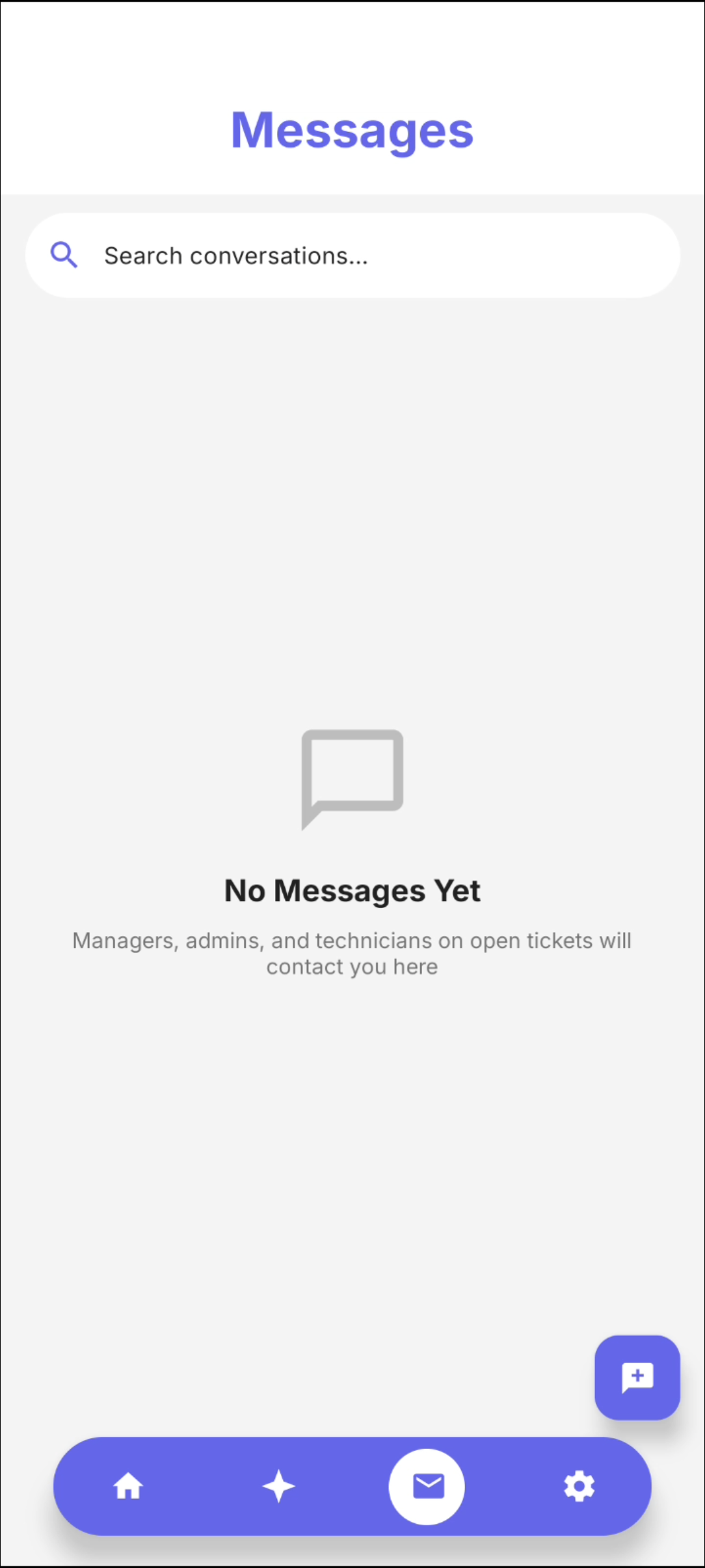 Caption: Account view used to validate editable identity fields.
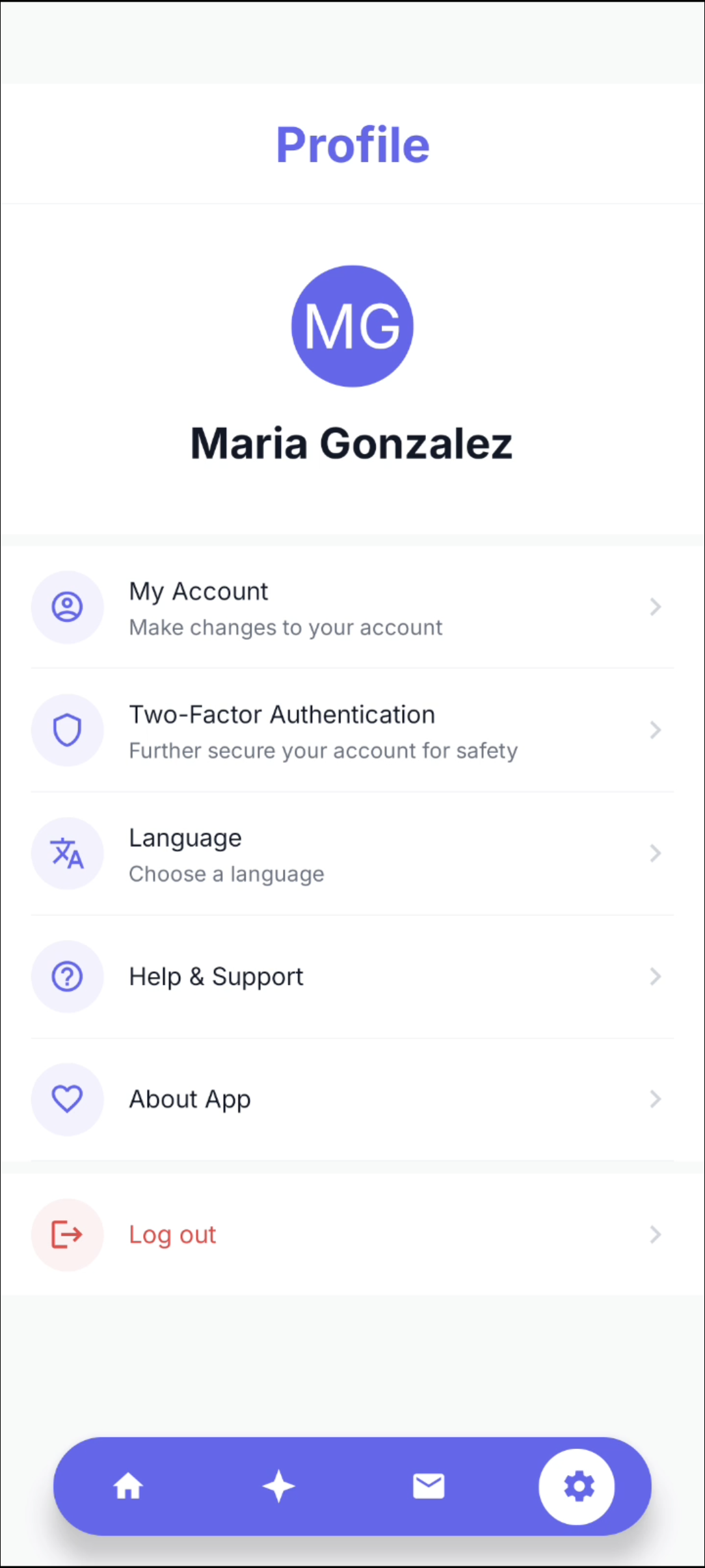 Caption: Residence-linked profile details for apartment and contact confirmation.
Implemented tenant app areas:
- Login/session handling and secure route access.
- Ticket list/detail/create with tenant confirmation, change request, and escalation actions.
- Messaging views connected to backend chat endpoints.
- Profile/account screens backed by user and residence data.
Previous: Shared Mobile Login UI
Next: Technician App UI