Dashboard UI
Previous: UI Guide Overview
Next: Shared Mobile Login UI
This page documents dashboard modules and their current screen coverage.
1) Operations landing and jobs
Use these views to verify KPI visibility, jobs-table clarity, and SLA status readability.
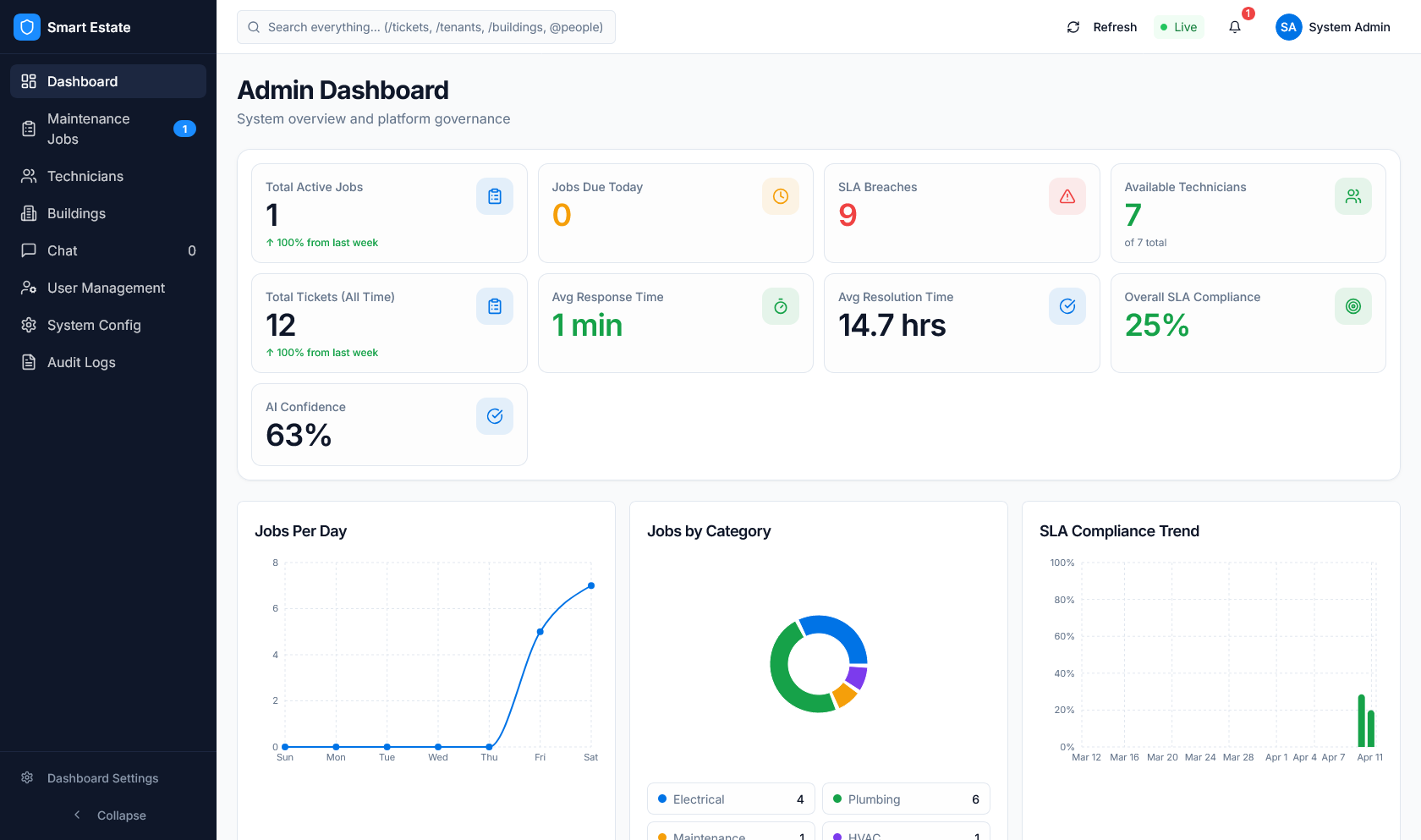 Caption: KPI cards, charts, navigation, and system status indicators.
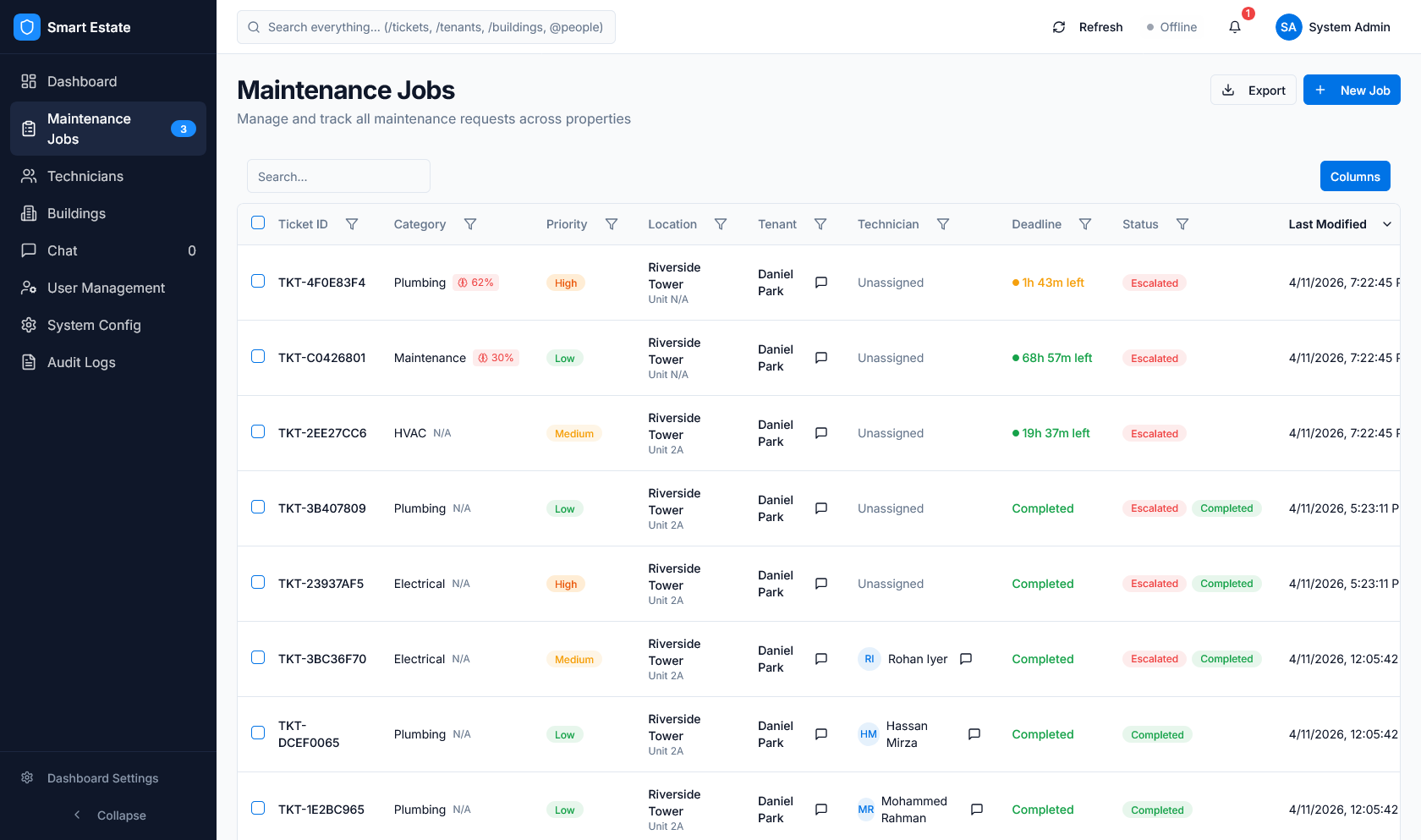 Caption: Jobs table with ticket ID, category, priority, SLA timing, tenant/technician fields, and status badges.
2) Dashboard module walkthrough
Use this sequence during demo or QA walkthroughs:
- Validate jobs and SLA visibility.
- Review admin modules for users, technicians, and properties.
- Verify communication, configuration, and reporting pages.
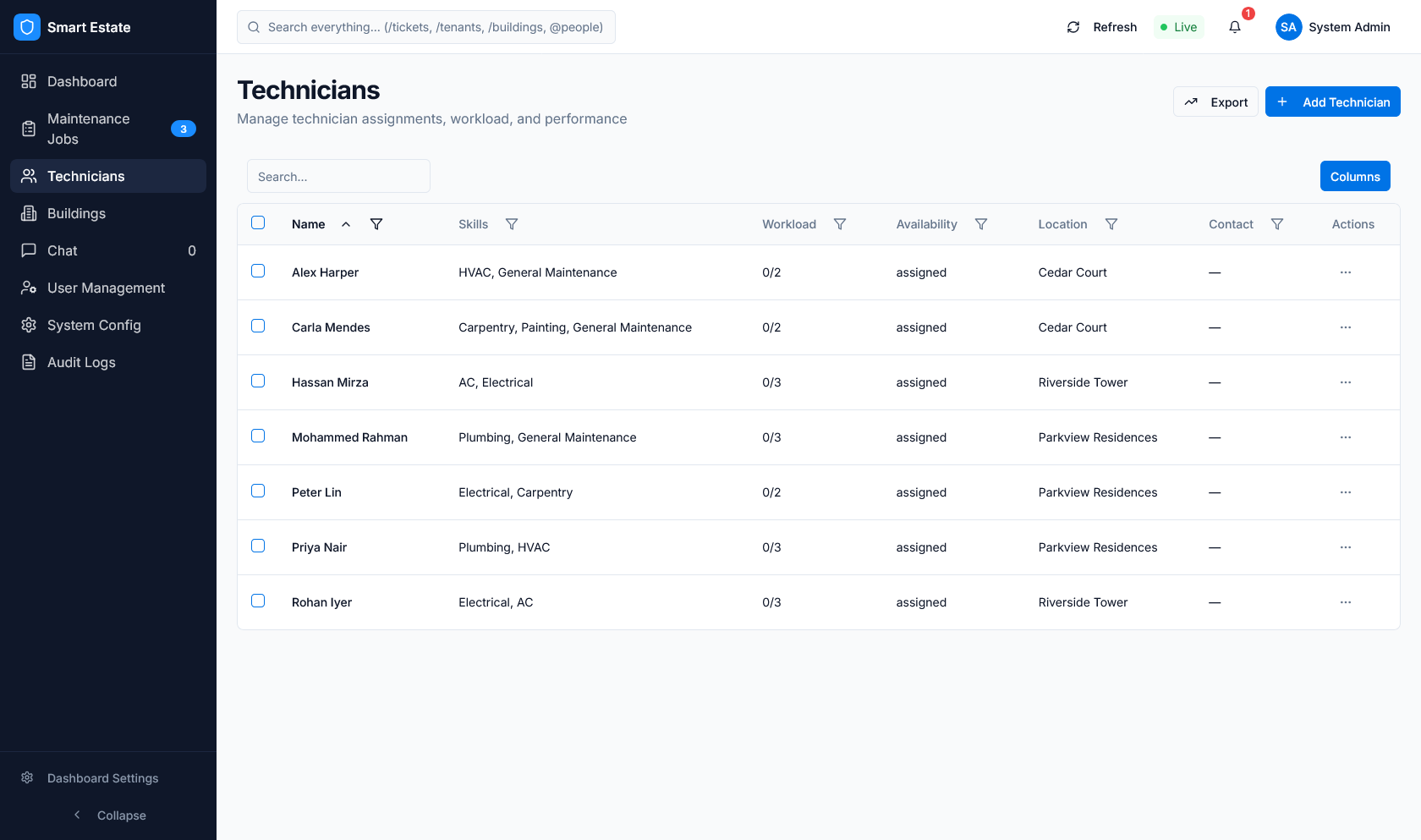 Caption: Operational navigation state for core dashboard coverage checks.
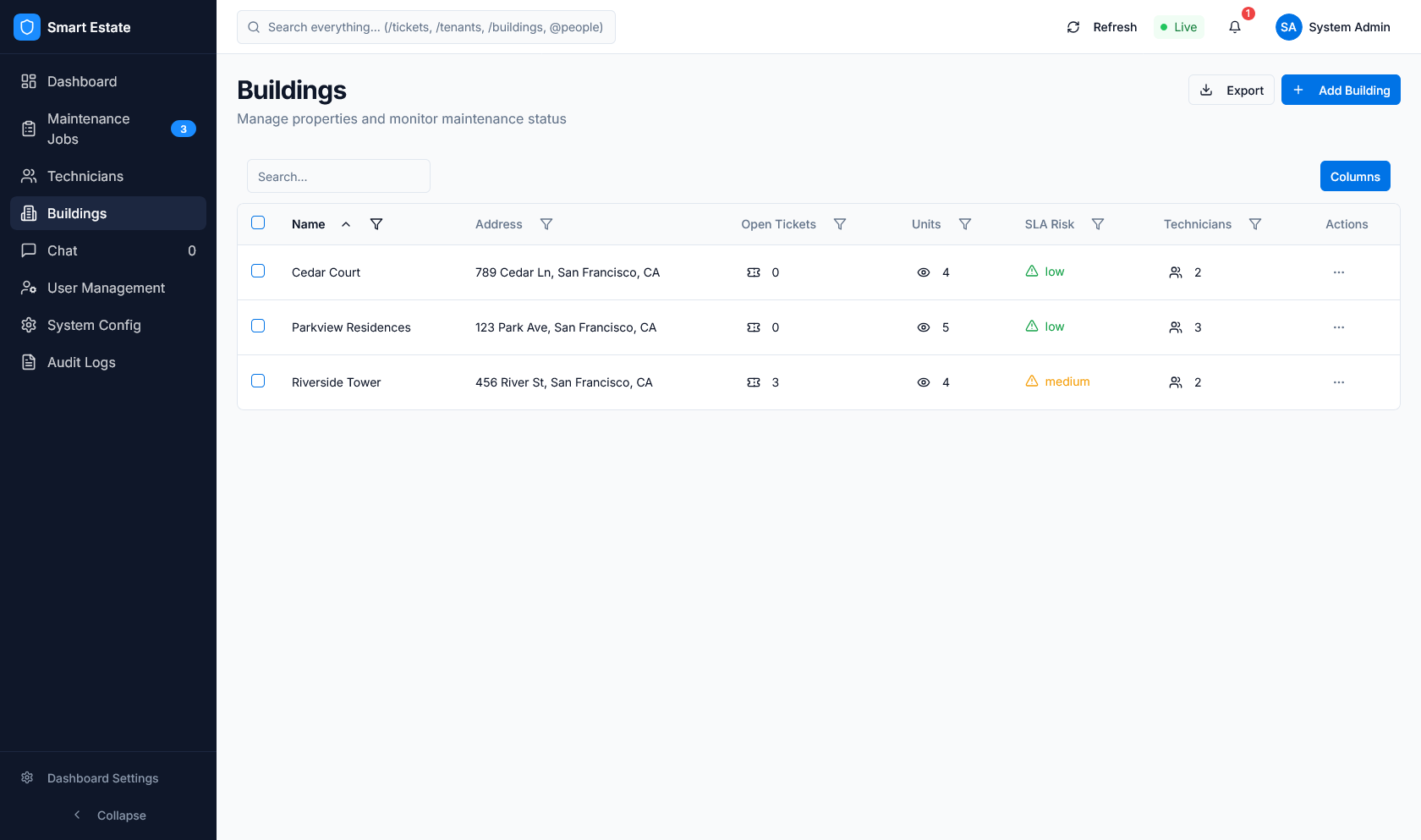 Caption: Module state for role-based page visibility verification.
 Caption: Ticket administration view for list and action behavior checks.
 Caption: Operational detail view used for control-surface validation.
 Caption: SLA-related settings panel used for response, resolution, and escalation checks.
 Caption: SLA monitoring state for breached/escalated workflow checks.
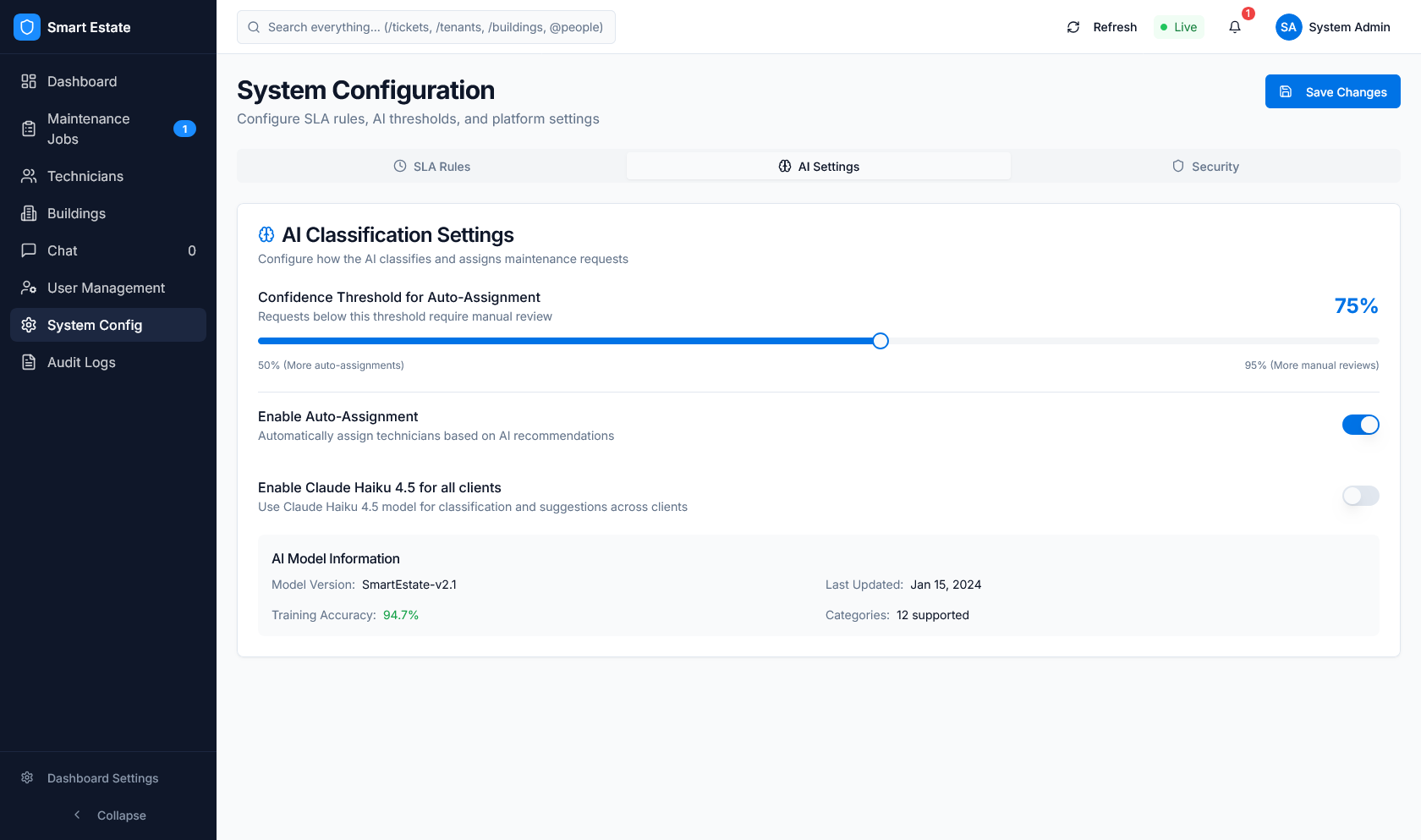 Caption: Escalation-oriented view for overdue ticket handling visibility.
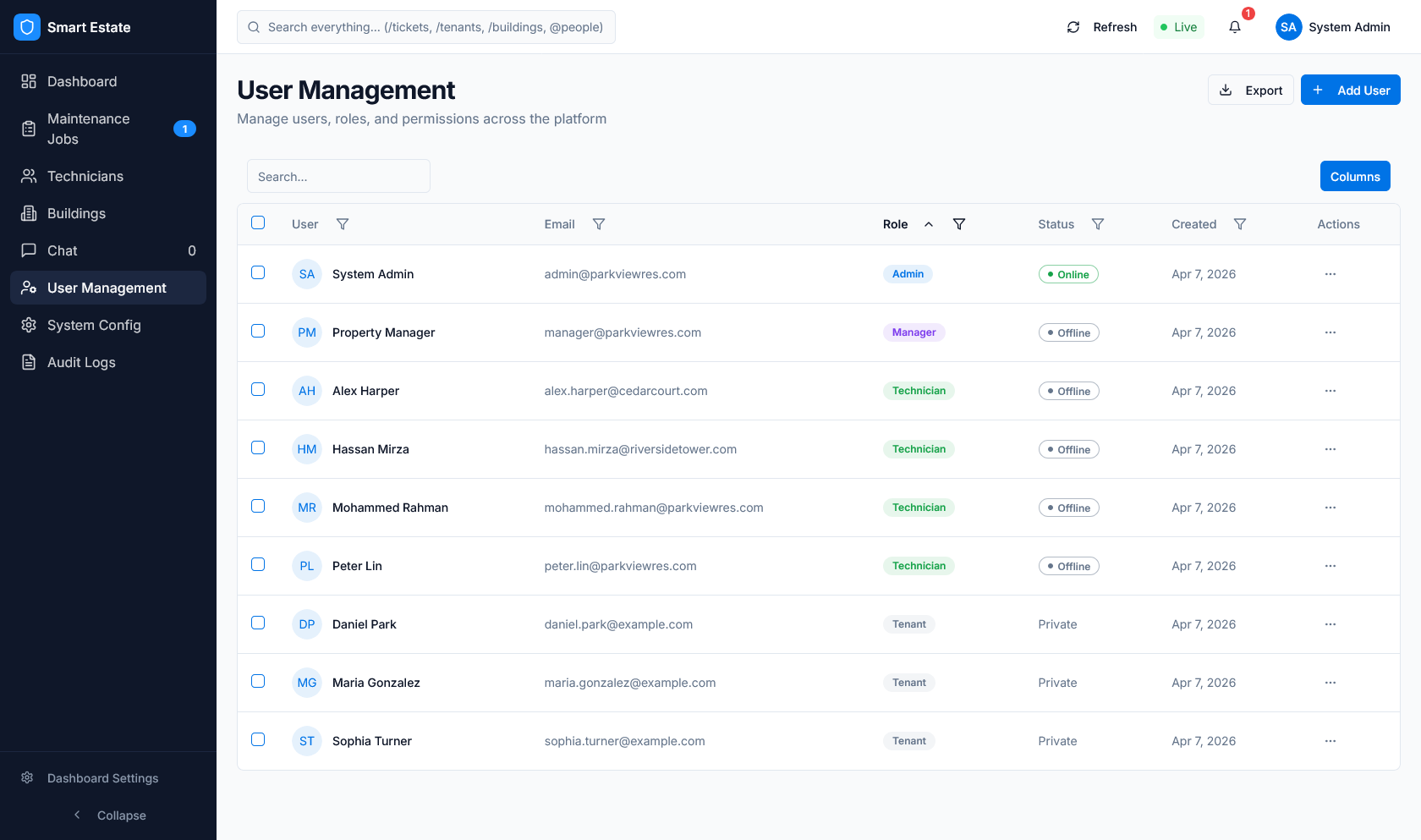
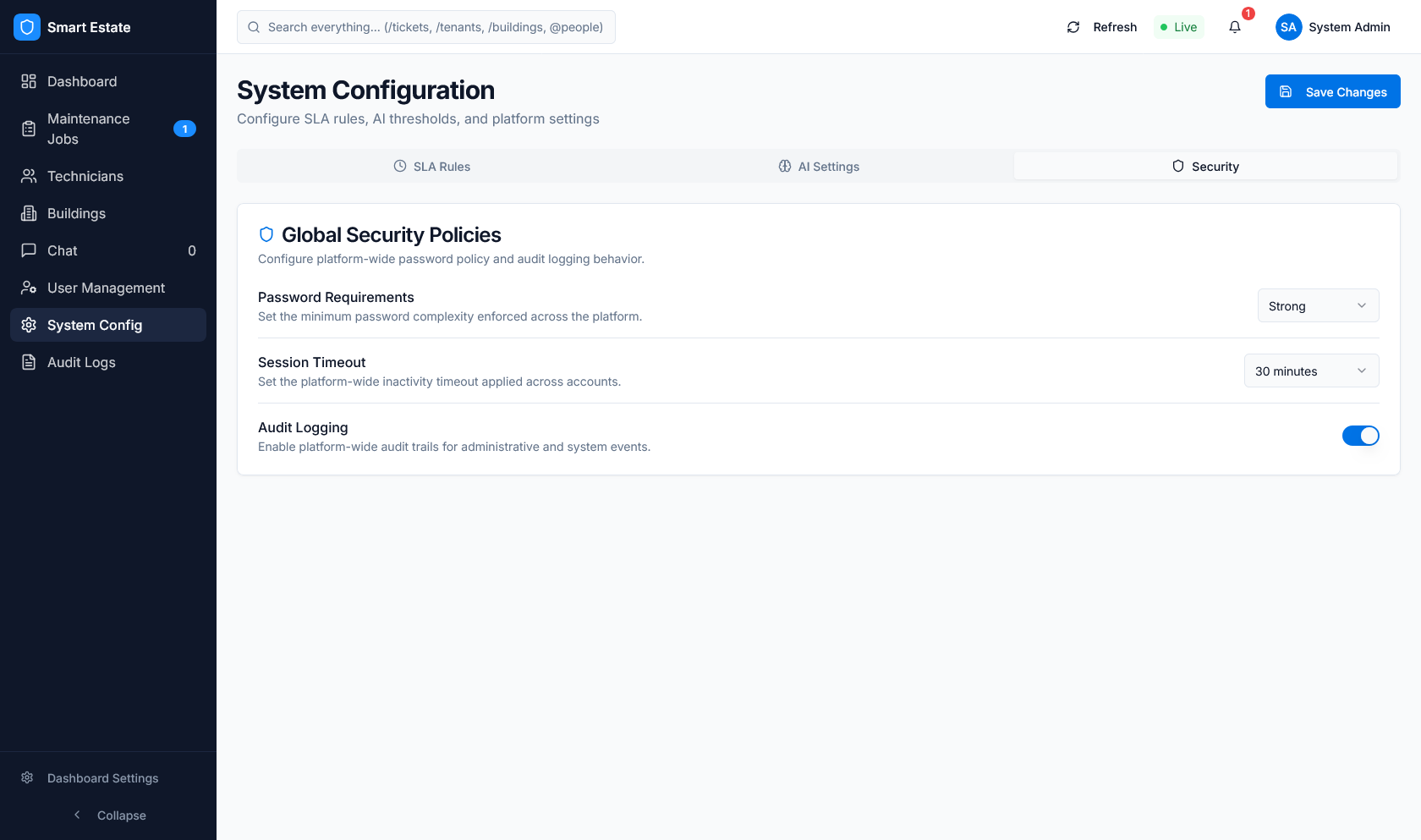 Caption: User or tenant management state for account operations review.
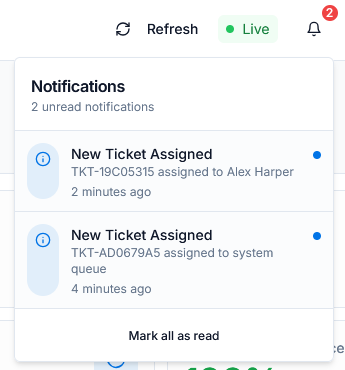 Caption: Account administration view for user updates and access checks.
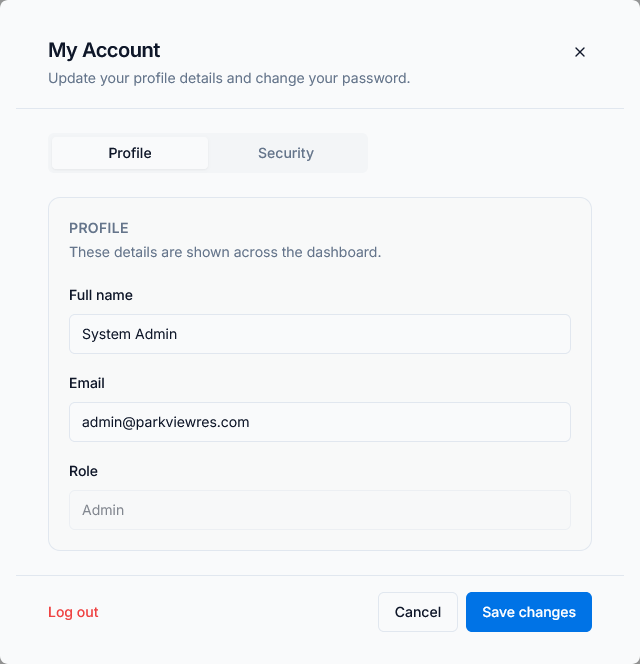 Caption: Technician management state for assignment and profile governance.
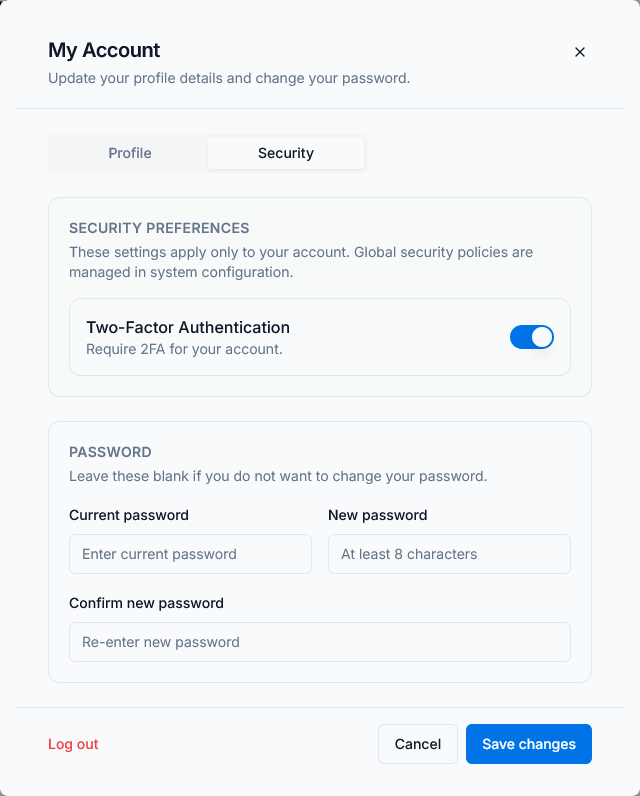 Caption: Property management view covering building and apartment operations.
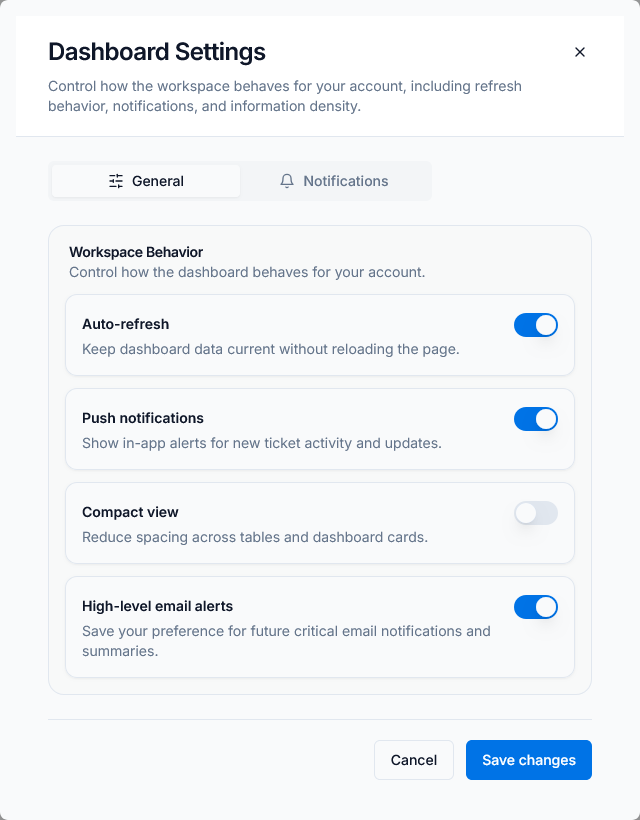 Caption: Routing and assignment control view for operations workflows.
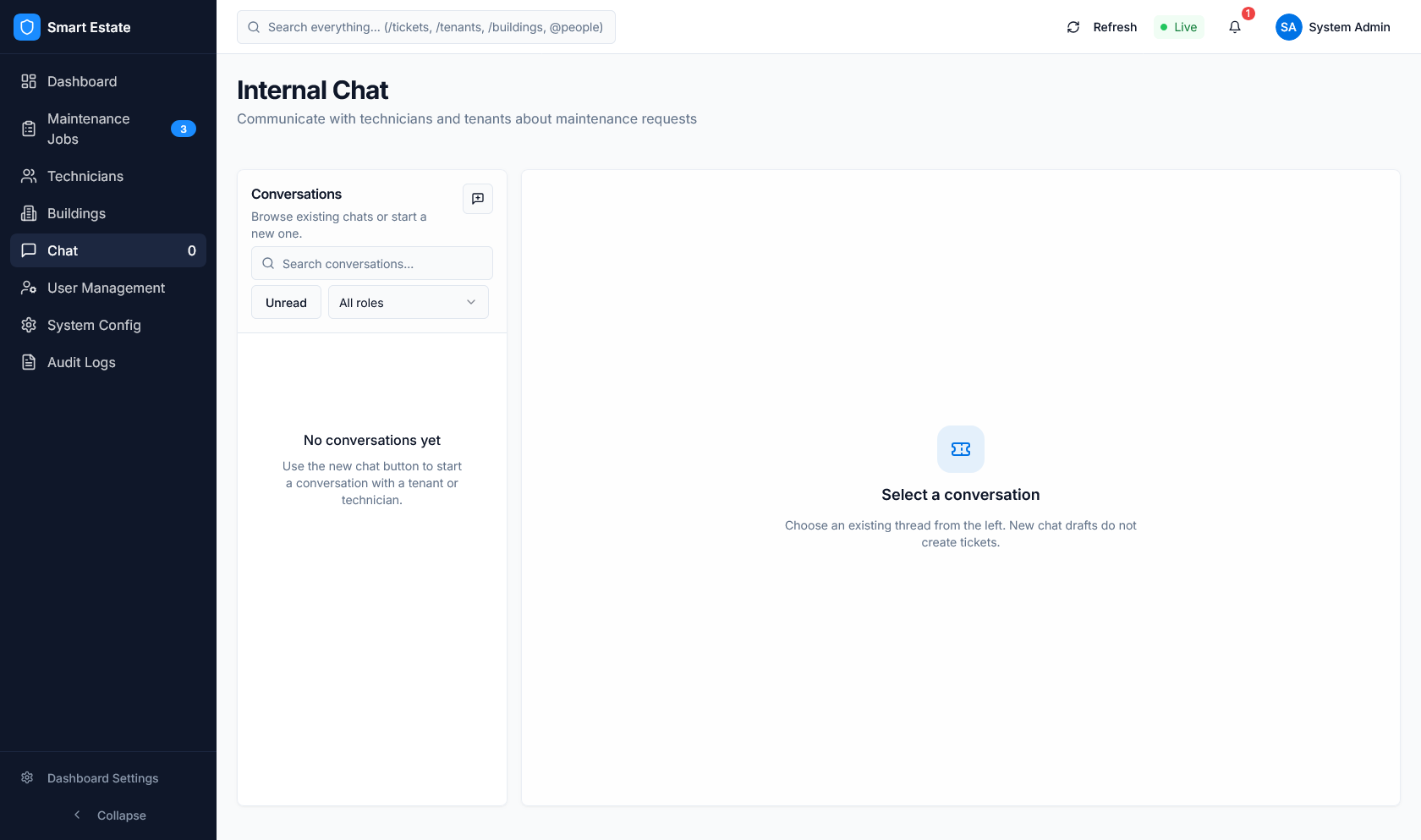
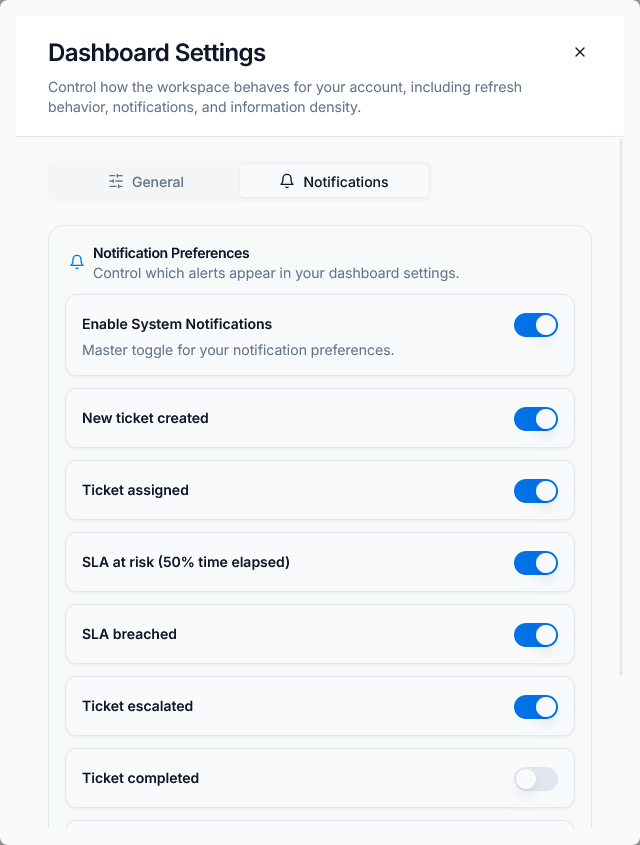 Caption: Communication module view for message and conversation checks.
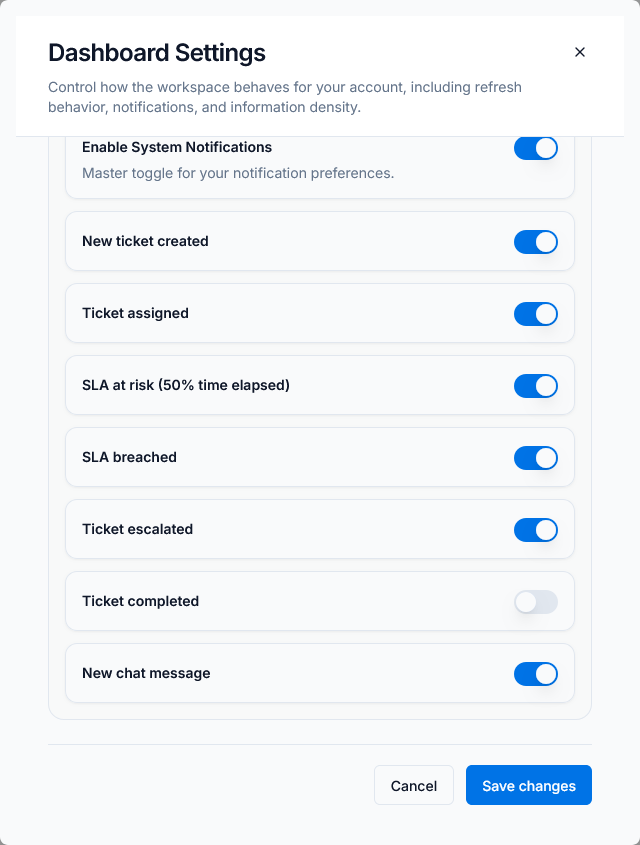 Caption: Messaging continuation view for workflow and data consistency checks.
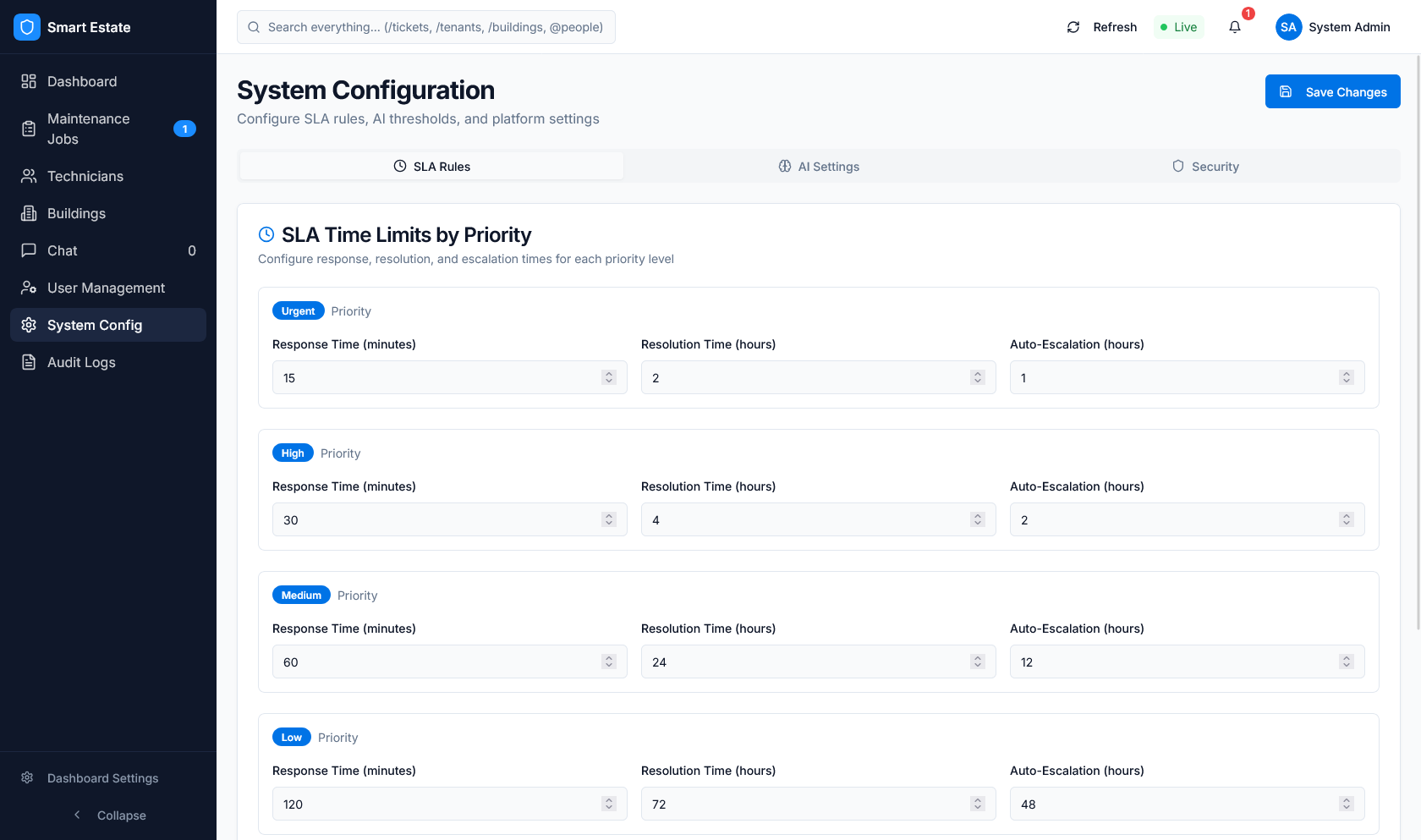
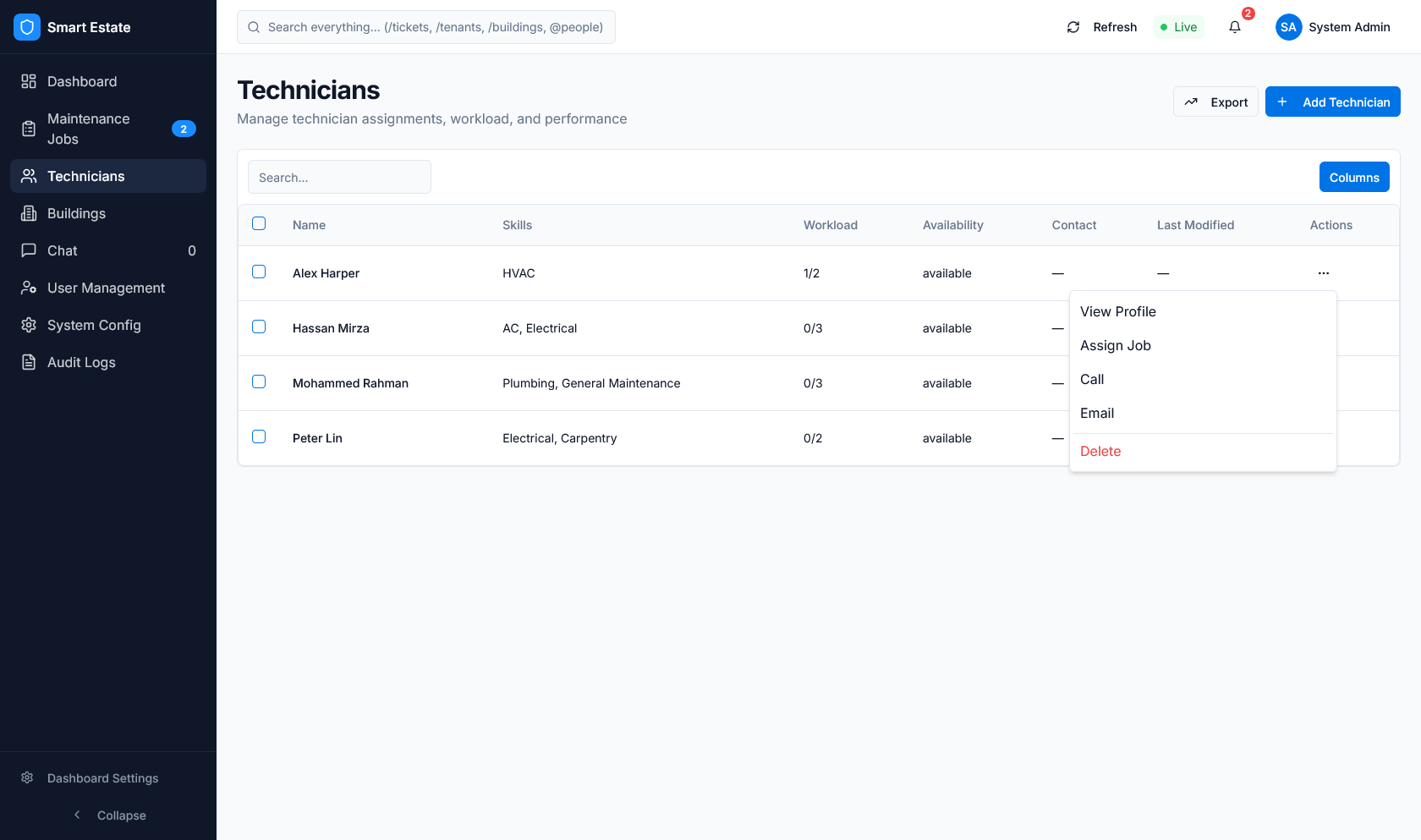 Caption: System configuration view for global settings validation.
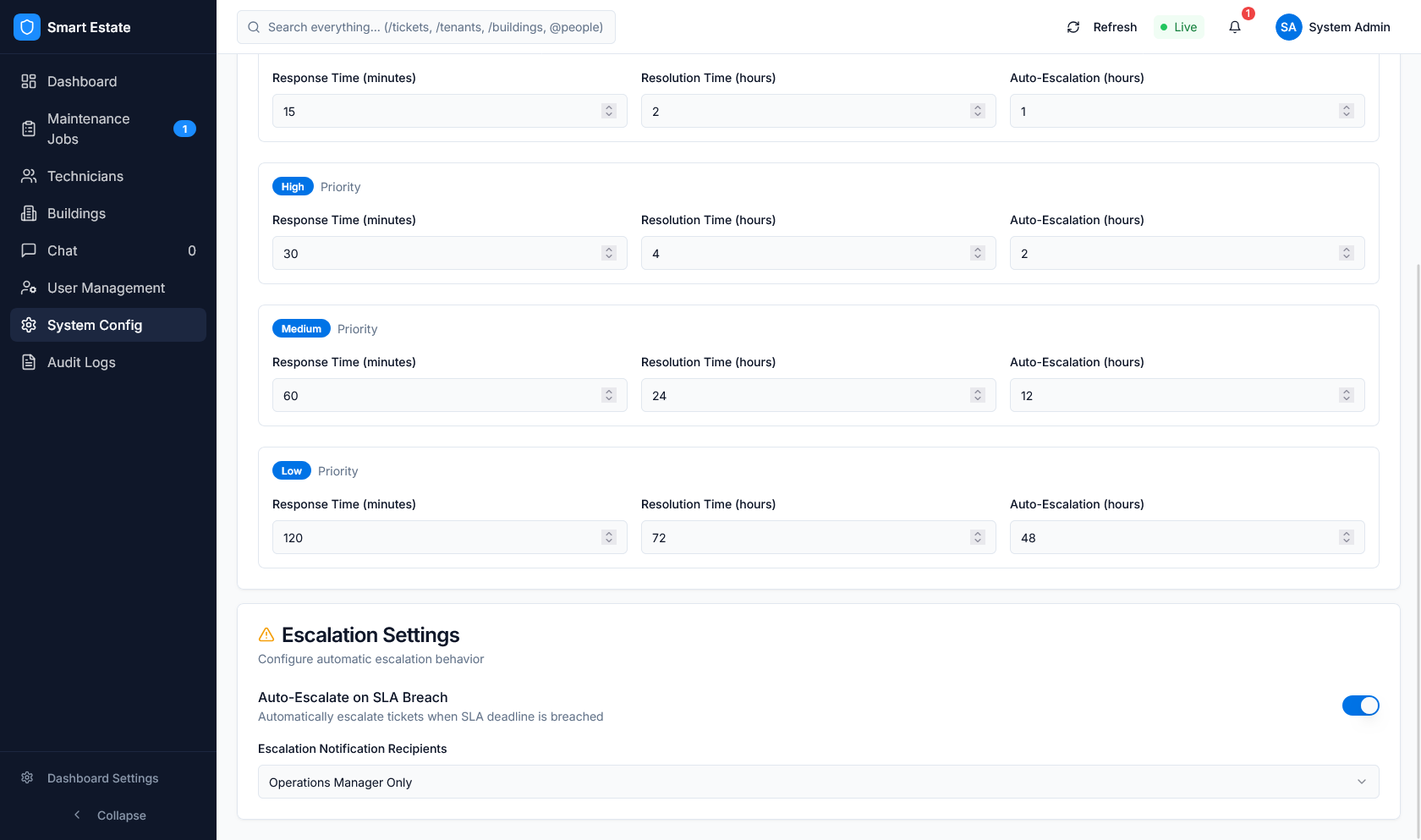
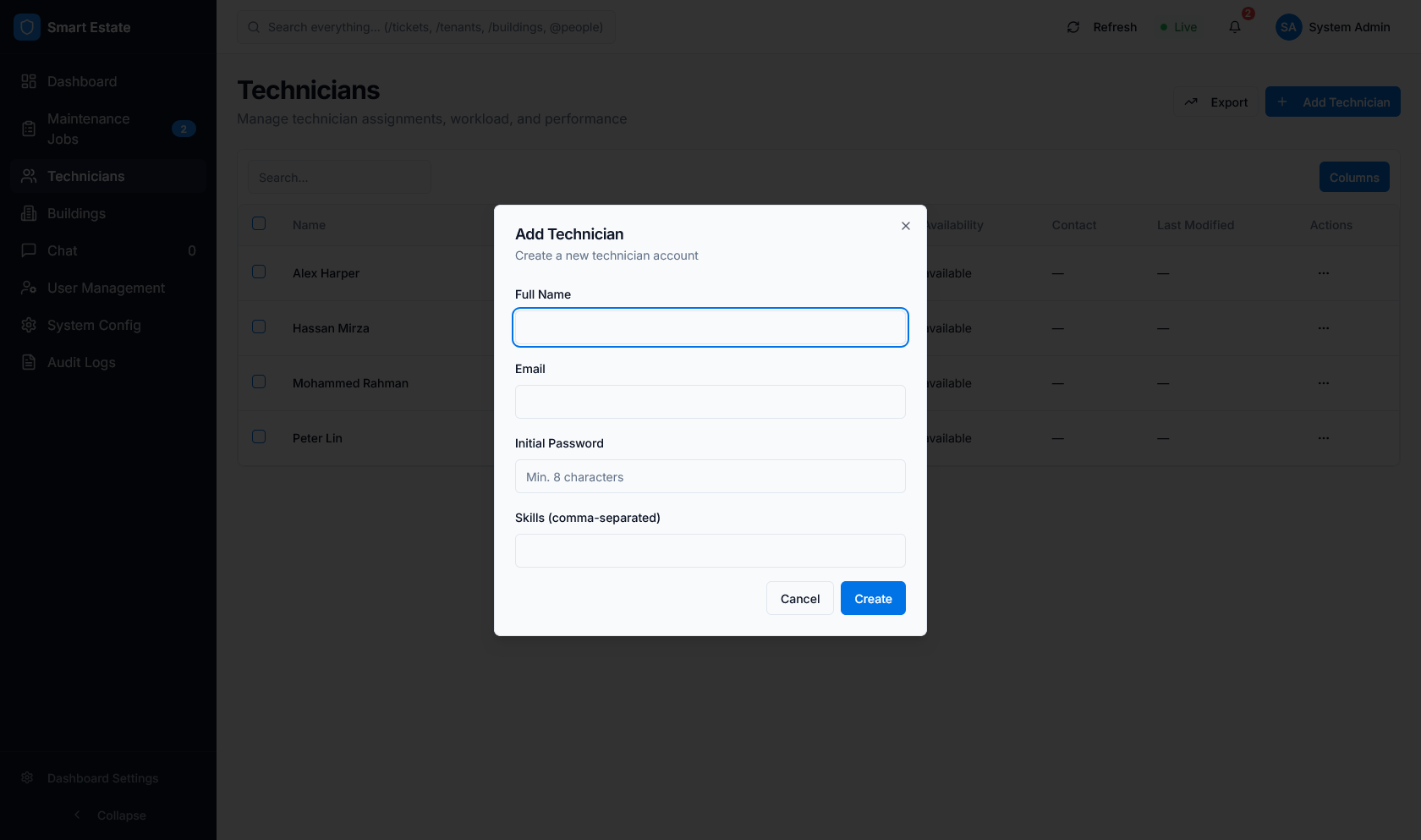 Caption: Settings category view for module-level configuration checks.
 Caption: SLA/AI configuration surface for policy and threshold review.
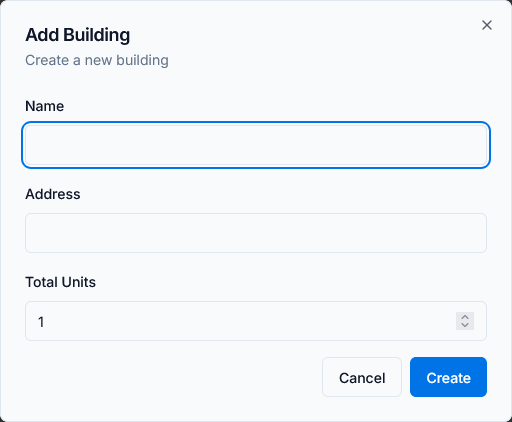 Caption: Extended settings view for operational guardrails and controls.
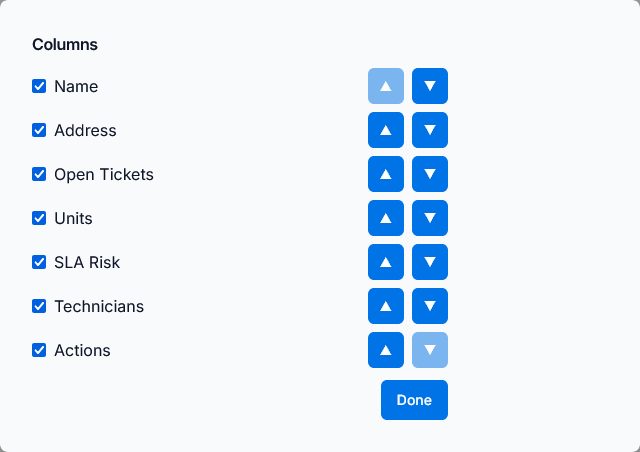 Caption: Audit/reporting-oriented view for governance visibility checks.
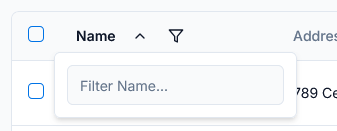 Caption: Expanded operations view for final module-level coverage checks.
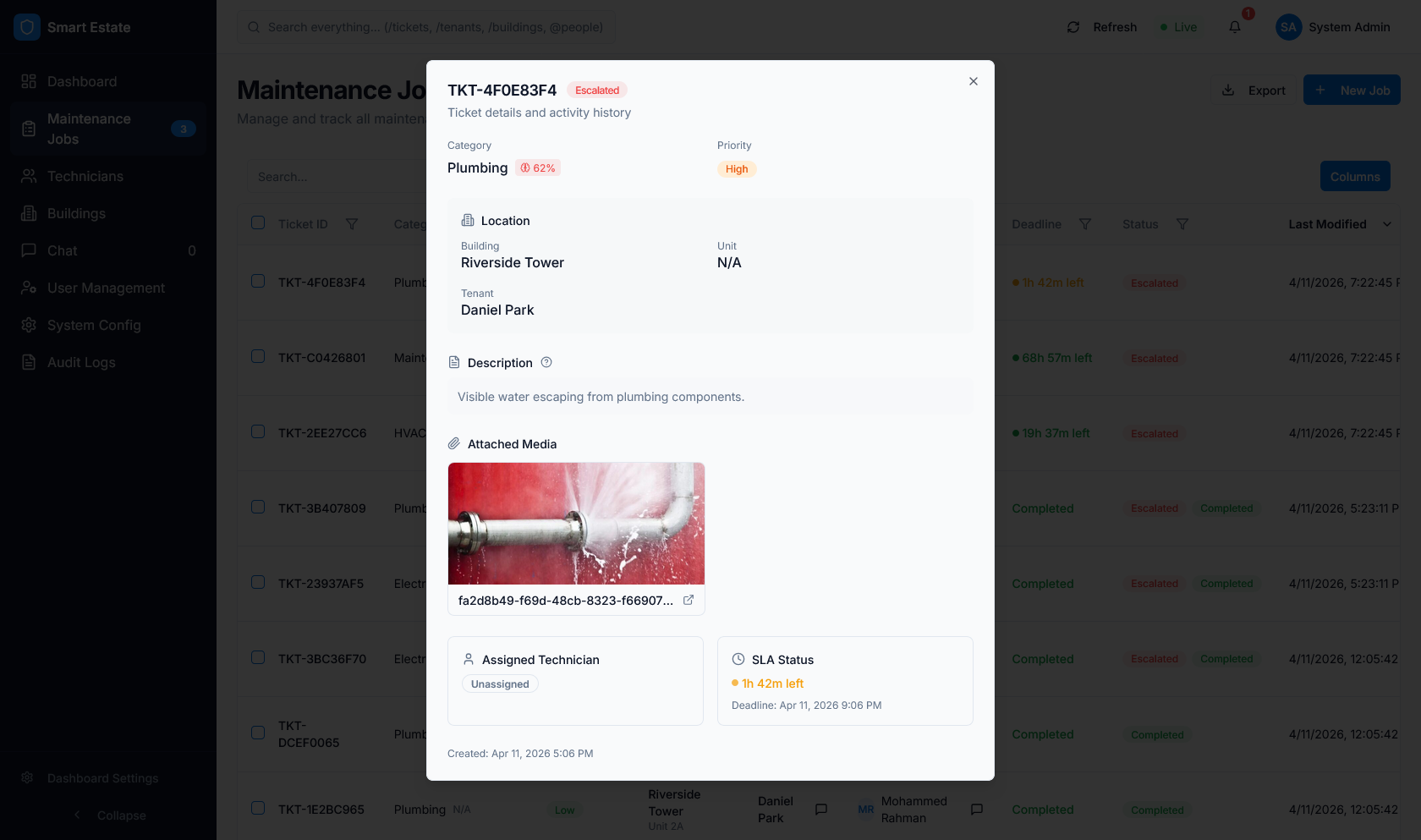 Caption: Alternate data presentation view used for list/report verification.
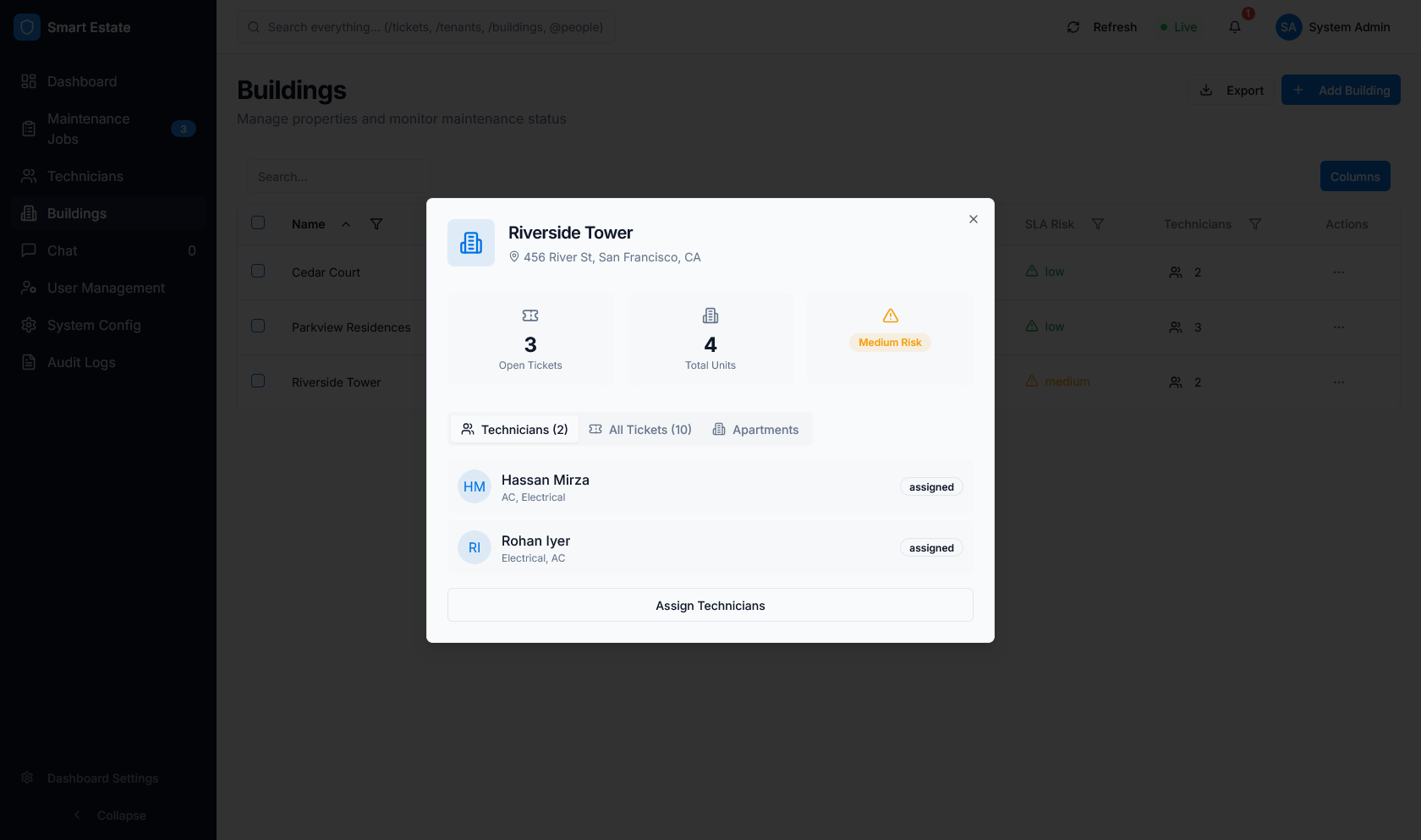 Caption: Detailed table/filter interaction view for workflow validation.
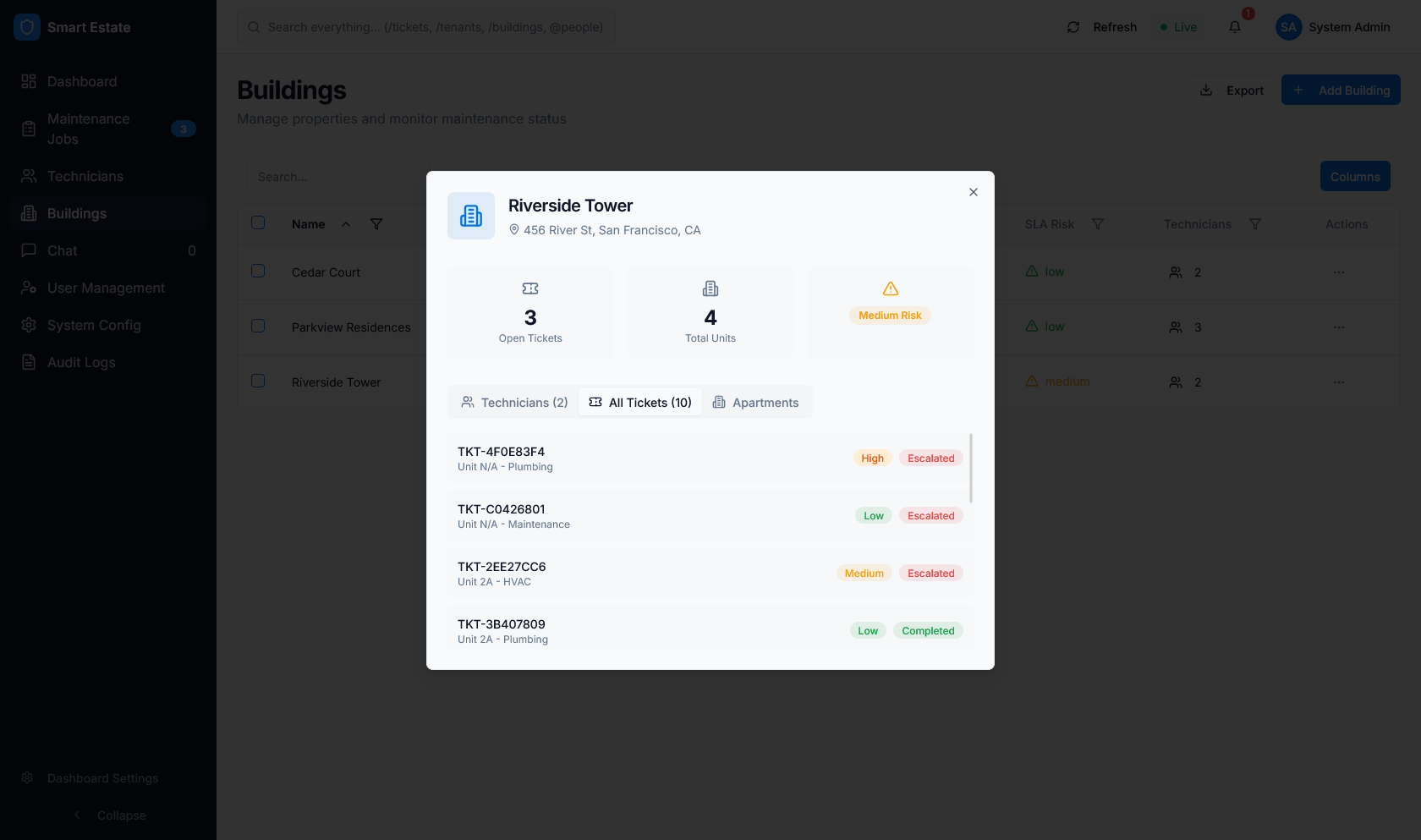 Caption: Summary/report panel view for metrics readability checks.
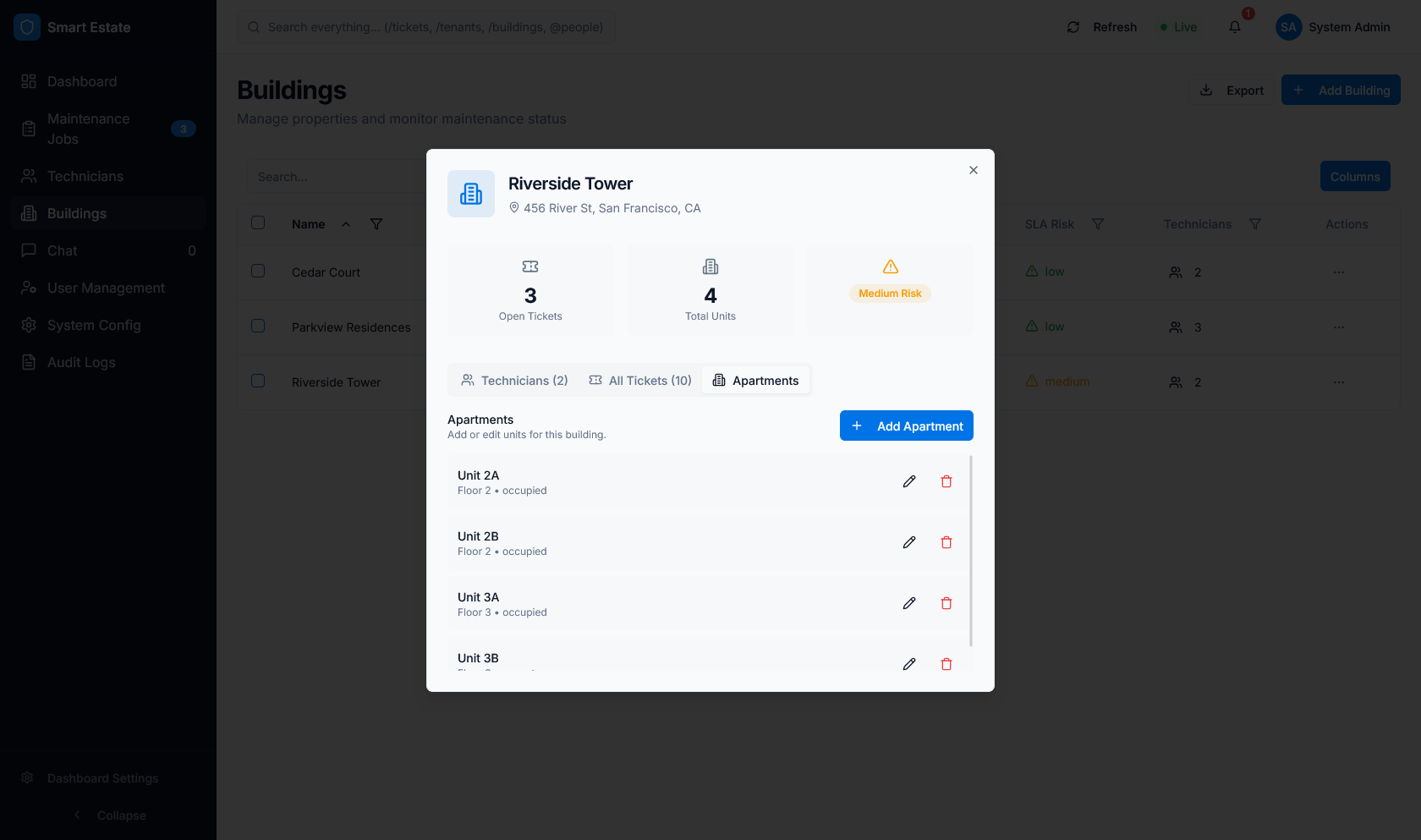 Caption: Administrative interaction view for final flow consistency checks.
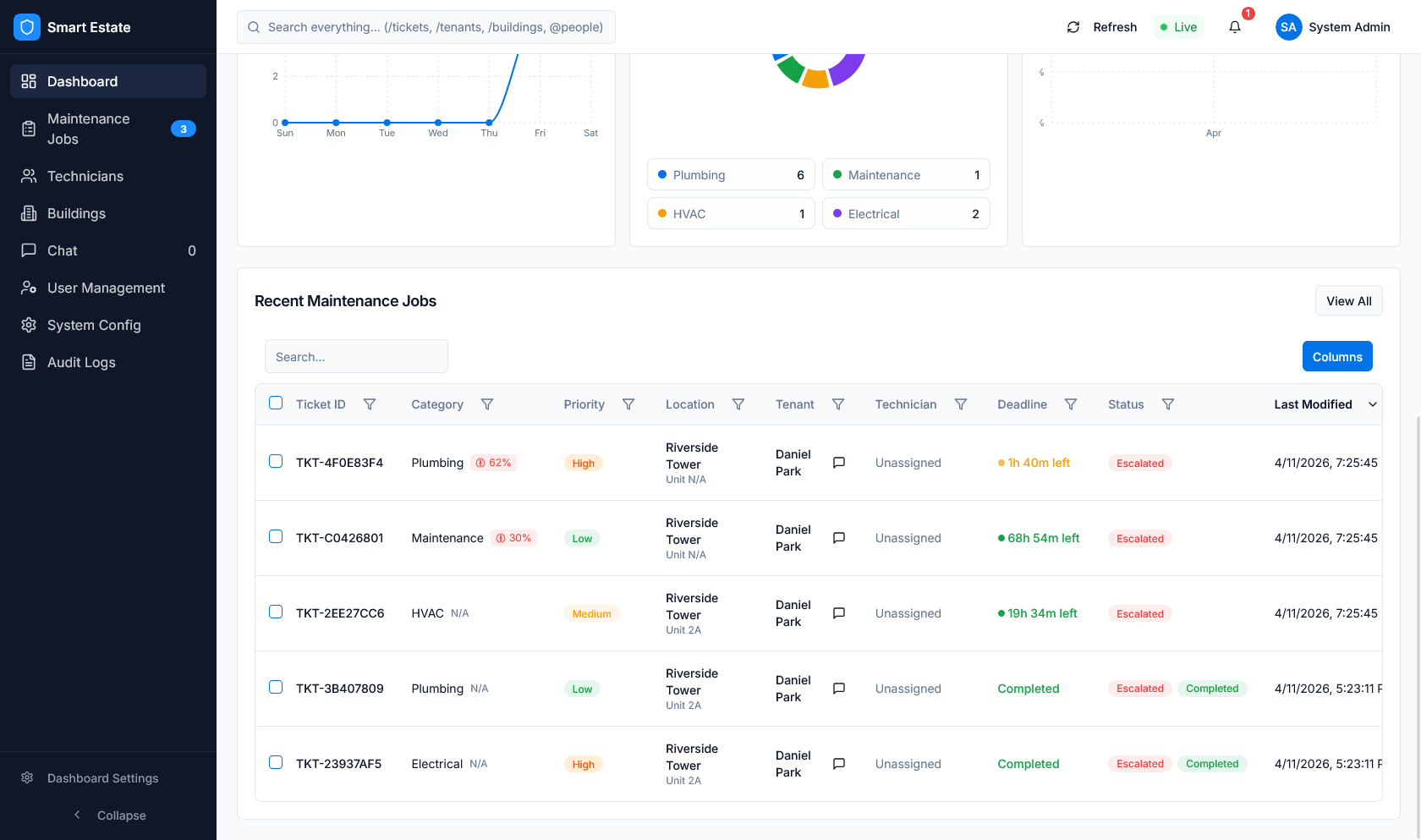 Caption: Final dashboard module view used in complete UI walkthroughs.
Implemented dashboard areas include KPI monitoring, jobs lifecycle handling, user/property administration, communication, and system configuration.
Previous: UI Guide Overview
Next: Shared Mobile Login UI